Upgrade & SSA Renewal Information
Product Options
SSA Member? Download X5 Free Today
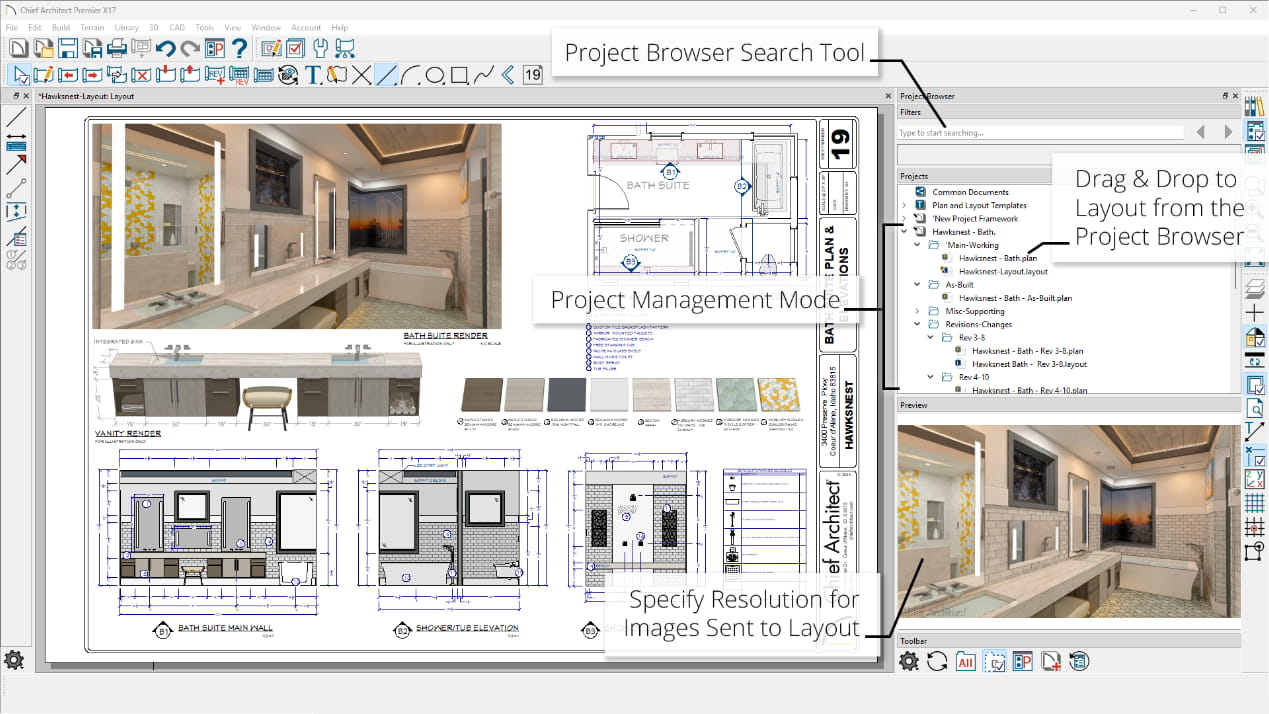
What's New in Chief Architect — take a look at the updated features below or watch the overview video. Remember, we offer Support and Software Assurance as an easy way to stay current with the latest release. If you don't have SSA, or it's been expired for a while, upgrade to the latest version and it will include a full year of SSA.
So why wait — Get the Latest Chief Architect Home Design Software Today!
New X5 Online Training Videos
Read the Expanded list of What’s New in Chief Architect X5
Sign Up for a Free Live Demo
Chief Architect X5
New Features Summary
Progressive Ray Tracing. Preview ray trace renders as they refine and iterate image quality; export the image at any time or define the amount of time for the ray trace from 1 minute to 24 hours or an unlimited time
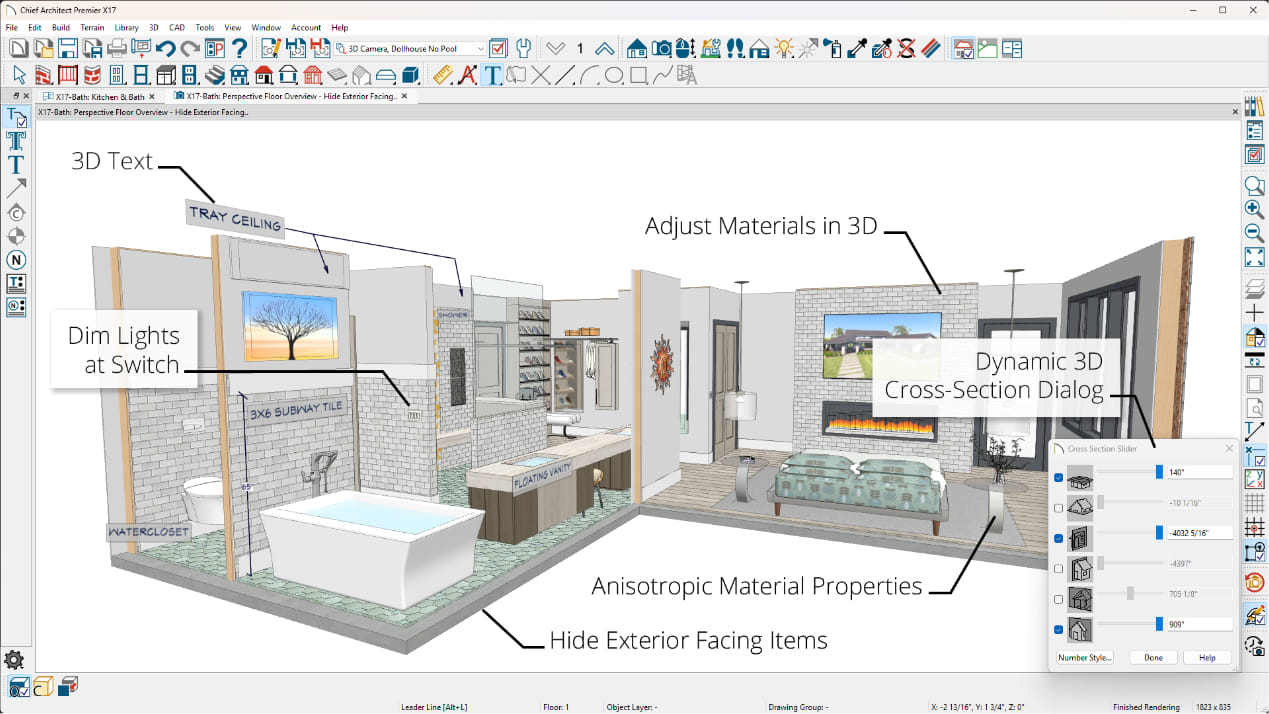
Display Floors below with the Perspective Floor Overview camera. A 3D display option allows lower floors to be viewed under a current floor, such as open below rooms used for stairways or lofts
Show Cameras as Callouts. Easily set up view callouts directly from the camera object. Show Elevation, Section, and Cross-Section cameras as Callouts in Plan Views. Add callout labels and descriptions; callout remain when sent to layout
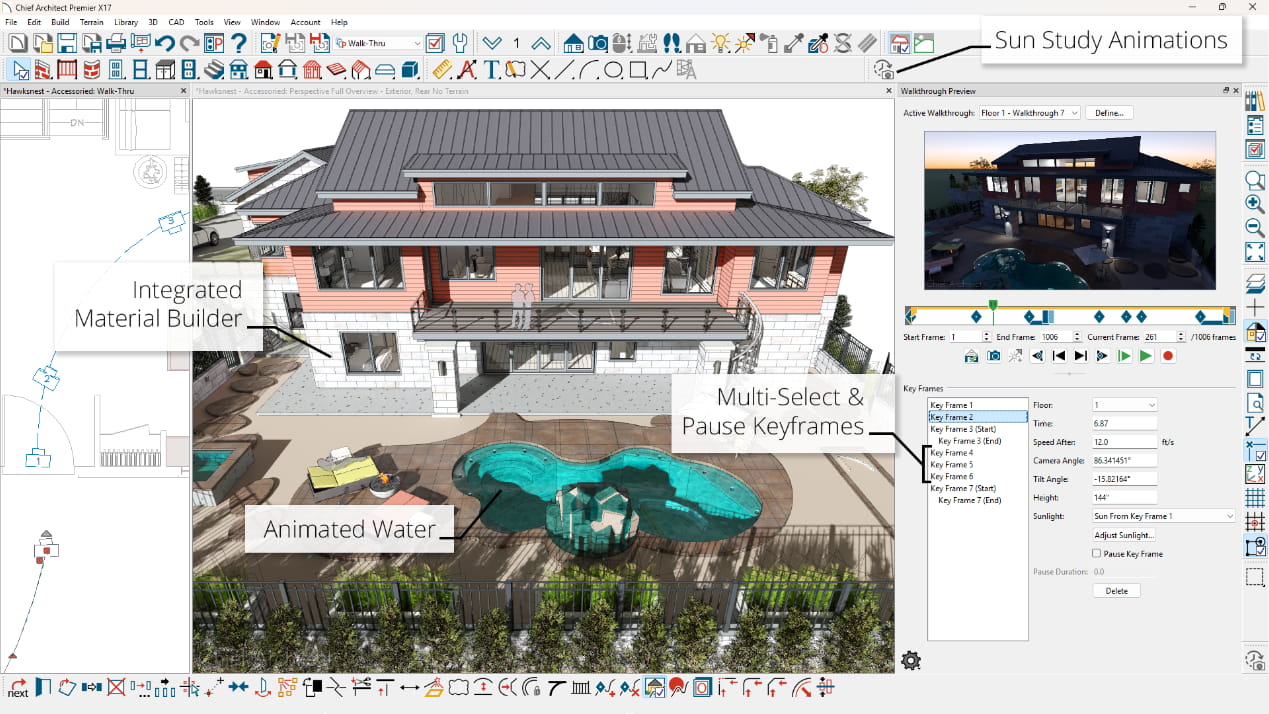
Improved Walkthrough Tools. Create detailed walkthrough recordings along paths. Add key frames at any point on the spline to control view direction and speed; walk up or down stairs and to span walkthrough between floors
Automatic Catalog Updates. Check for updates for catalogs distributed by Chief Architect and automatically update to the latest version
Catalog Migration. Core, Bonus, Manufacturer and User Catalogs from previous installs automatically migrate and update to latest version at install time; User Catalog automatically migrates from previous installs. Use the catalog migration dialog to specify which catalogs to bring forward
Automatic Labels in Elevations. Generate schedule callouts and labels for windows, doors, cabinets, and other items in Cross-Section and Elevation views
NKBA® Automatic Dimensions. Automatically dimension interior rooms and elevations to the National Kitchen and Bath Association dimensioning standards
Automatic Interior Dimensions. Automatically dimension interior rooms. Set defaults for locating objects
Automatic Elevation Dimensions. Use the Auto Elevation Dimension tool to add dimensions to Elevation and Cross Section views
New Running Dimension Tool. Draw dimension with cumulative values from base item to each dimensioned object in a single dimension string
Import PDF files. Import Adobe® PDF file formats into plans, layouts, and CAD Details; retain print resolution and quality when printing final documents with embedded PDF files
Import Defaults. Share default settings between plans for a variety of objects, including: Windows, Doors, Cabinets, Schedules, Walls, Stairs
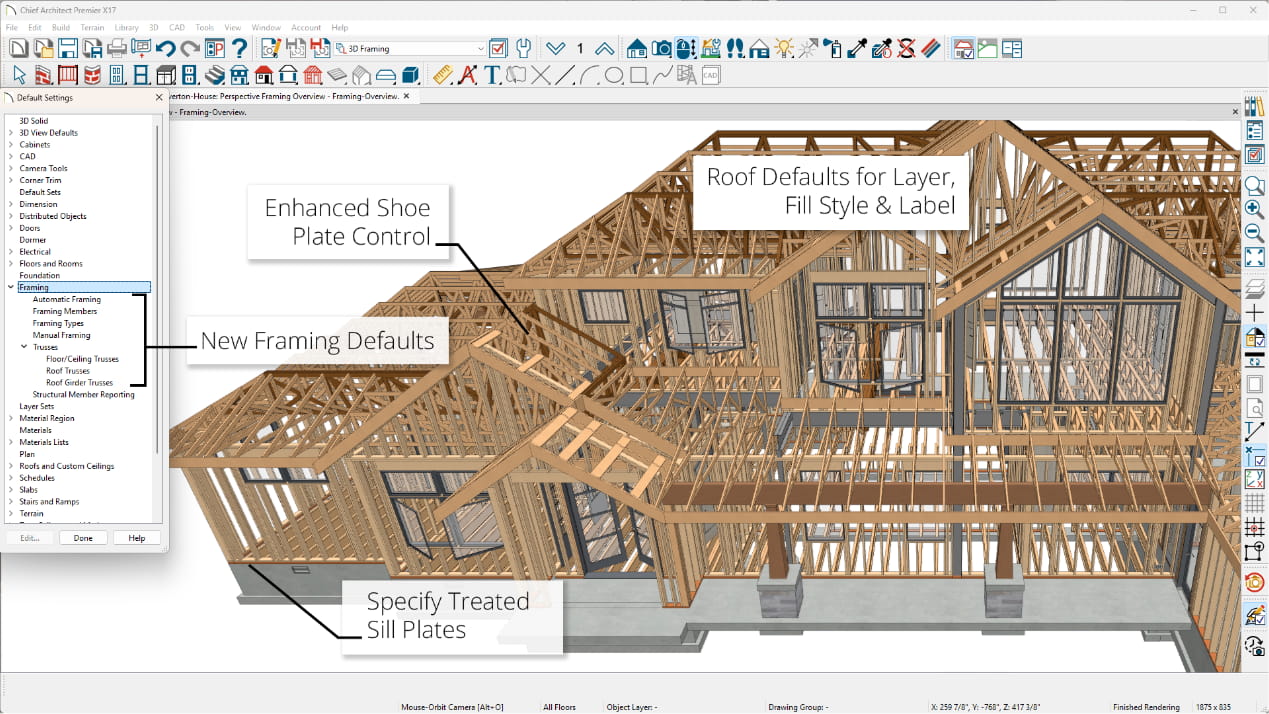
Shoe Control for Railings. Control the height off of floor for the bottom rail (shoe) for Railings and Ramp Railings
Rail Controls on Railings. Specify size, shape, and custom profiles for top rail, middle rail, bottom rail and beam
Shadow Boards. Apply Shadow Boards to the fascia of roof planes automatically. Specify molding profiles and stack moldings to create the desired molding build-up
Ridge Caps. Automatically generate Ridge Caps on roofs; turn ridge caps on/off on a per roof basis; assign custom ridge cap profiles
Window and Door Casings Display in Plan View. Display or hide interior and exterior casings using the “Casings, Interior” and “Casings, Exterior” layers
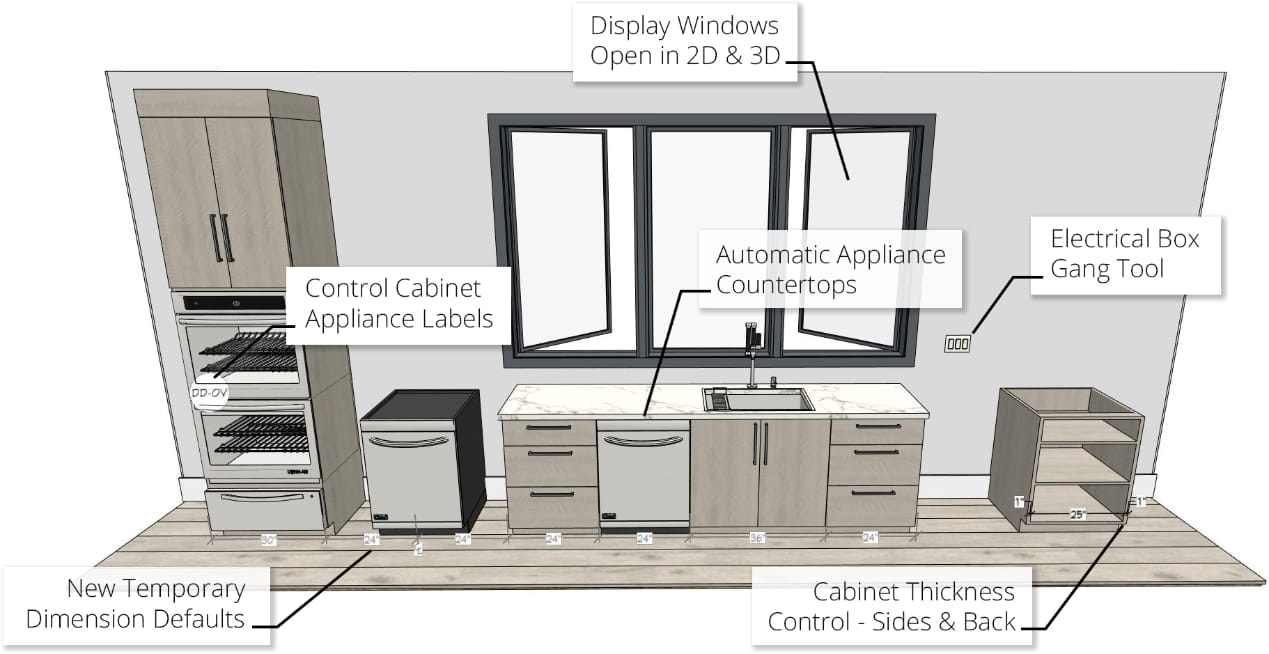
Place Multiple Appliances in a cabinet. Add an oven and a warming drawer to the same cabinet; adjust or replace the appliance type by editing it in the Cabinet Specification dialog
Multiple Door and Drawer styles per cabinet. Assign different door or drawer styles to a single cabinet; wall cabinets with glass doors on top; base drawer bases with slab and panel drawers


My Cart