Chief Architect Help Database - Article Number:  59

How to Insert Multiple Appliances into a Cabinet

The information in this article applies to:
  • Chief Architect X5
QUESTION

I want to have a wall oven and a warming drawer in the same full height cabinet. How can I do this?


ANSWER

New options in Chief Architect X5 allow you to easily insert multiple appliances into a single cabinet.


To modify height and width of the cabinet

  1. Select Build> Cabinet> Full Height Cabinet and click in your plan to place a cabinet at the location where you clicked.


  2. Use the Select Objects tool to select the cabinet and click the Open Object edit button to display the Full Height Cabinet Specification dialog.
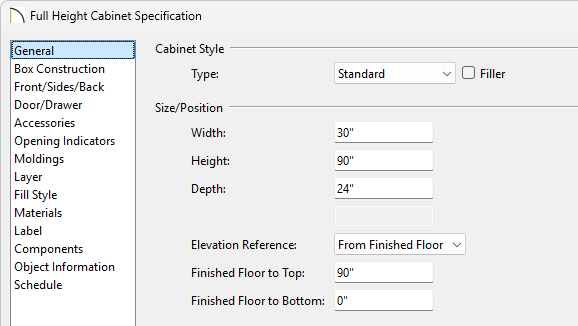
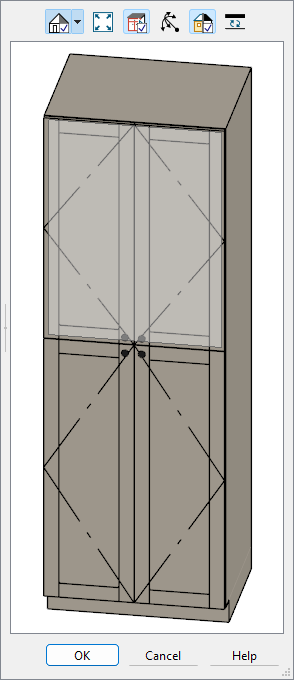

  3. On the General tab, specify the Height, Width, Depth and Floor to Bottom values for your cabinet.


    • In this example, a Width of 33" is used.


To add sections to the cabinet

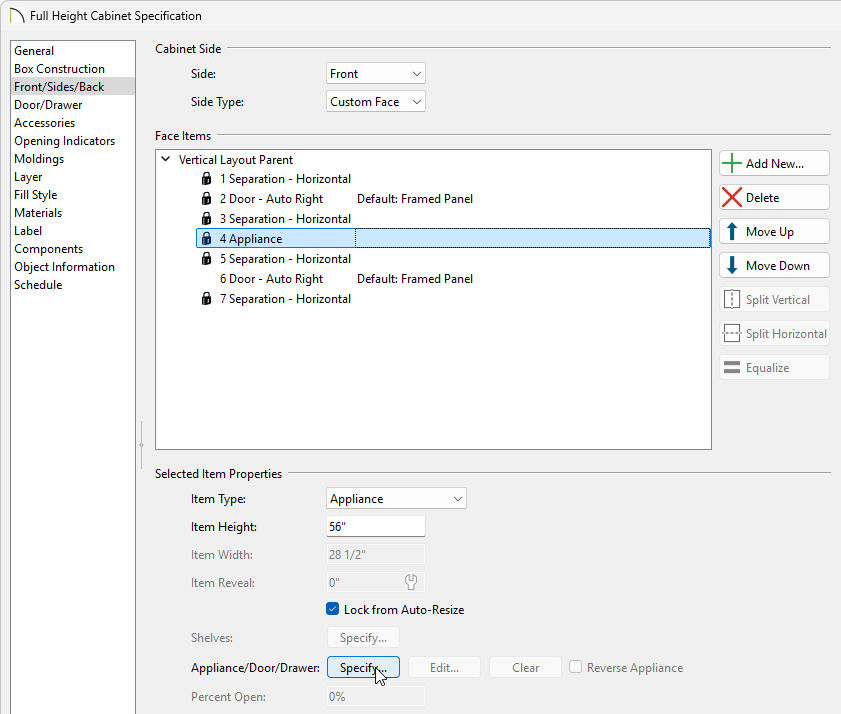
  1. On the Front tab of the Full Height Cabinet Specification dialog click on the top cabinet and change the Item Height to 12 3/4".


  2. Click Add New to add additional sections to our cabinet.

    Note: Clicking Add New will insert a new Face Item below the currently selected item.  If there is no current selection, the new Face Item will be added to the bottom.
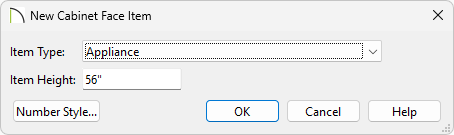

  3. In the New Cabinet Face Item dialog, set the Item Type and the Item Height and press OK.


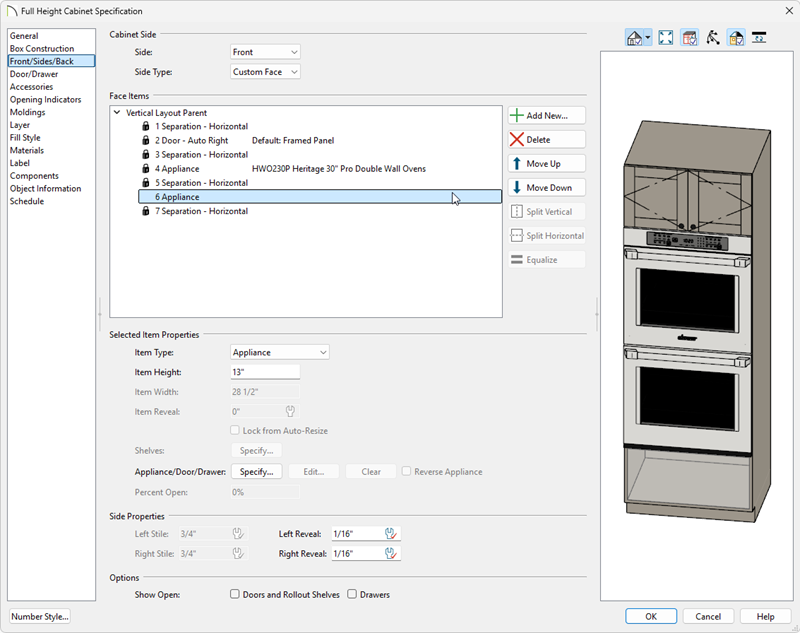
    • In this example, two Appliances are added - one with an Item Height of 55 9/16" and one with an Item Height of 12 11/16".


  4. Use the Move Up and Move Down buttons to re-order the sections as necessary.


    Note: To ensure that Face Item heights always equal the total cabinet front height, the program automatically adjusts the bottom Face Item as changes are made elsewhere. As such, it is recommended to adjust Face Item heights starting at the top and working down.


To modify individual sections to have different appliances

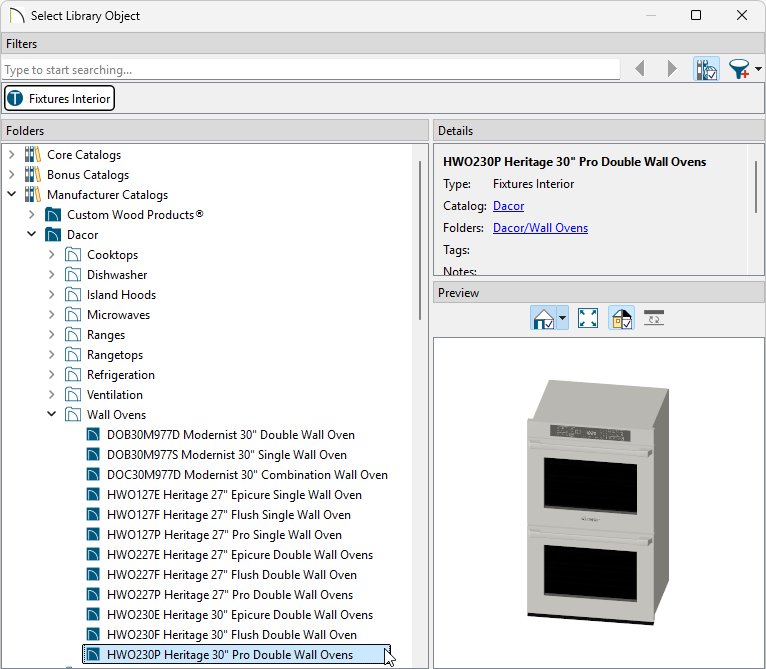
  1. Click on the Face Item we want to modify to select it and then click the Library button.


  2. In the Select Library Object dialog, browse the library and choose the appliance you wish to insert.


    • In this example, the ChefSeries Wall Oven and the ChefSeries Warming Drawer from the Chief Architect Core Catalogs are used.


Last updated on: Mar 28, 2013


The Chief Architect support team has compiled a list of articles with common questions and answers.


Find answers on ChiefTalk

Answers to many how-to and technical questions can be found 24 hours a day, 7 days a week on our online forum, www.ChiefTalk.com. ChiefTalk is visited not only by our software users, but also by members of our training, support, and engineering teams who are well-versed in using the software and are happy to help you. On ChiefTalk, you can discover tools and techniques to bring your design ideas to life.