I need a way to precisely move objects so that they snap to each other. What is a fast and accurate way to do this?
Chief Architect provides a variety of tools to accurately dimension and position objects in your plans and drawings. The Point to Point Move edit tool in combination with Object Snapping offers an easy and fast way to position objects precisely.
This article demonstrates how the Point to Point Move edit tool can be used with two different Object Snapping behaviors to precisely position a footing, stem wall, and treated sill plate in a foundation detail drawing.
This tool can also be used on cabinets, stairs, fixtures, as well as a variety of other objects in the software.
 a plan in which you would like to position objects precisely.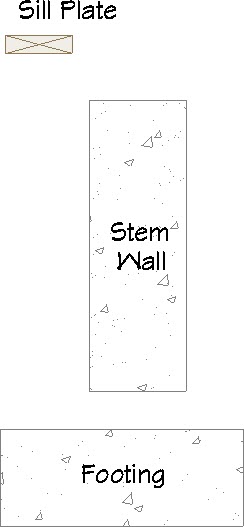
 from the menu and open the CAD Detail in which you are preparing your drawing.
  , particularly Endpoint
  and Midpoint
  snaps are enabled. This can be done by navigating to Edit> Snap Settings
  from the menu, or accessing the Snap Properties panel of the Preferences
  dialog.
  tool, click on the object that you would like to move, then click the Point to Point Move
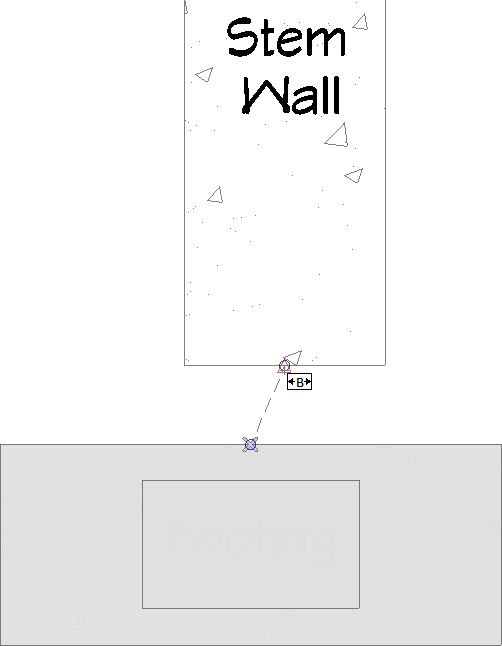
  edit tool. or Midpoint snap indicator. Click your left mouse button once at this location. This will be the point that the selected object will be moved about. .
 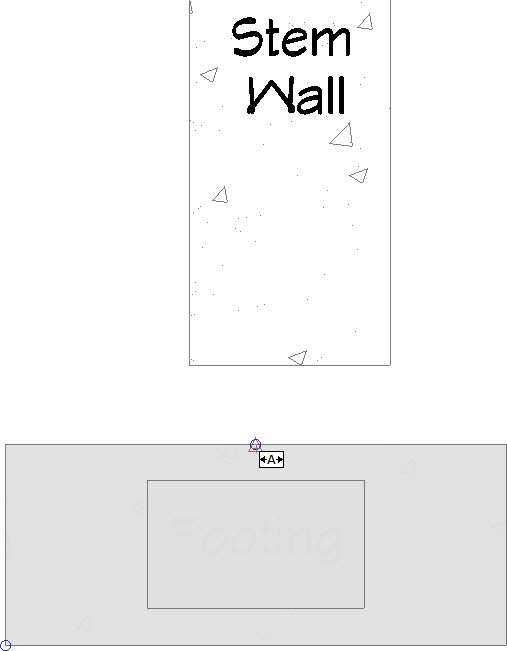 .
.
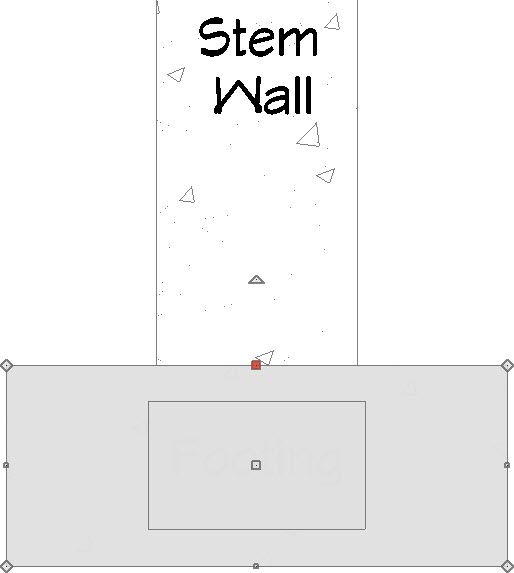 edit tool to move the bottom left corner of the plate to the top left corner of the stem wall by utilizing the Endpoint snap indicator. .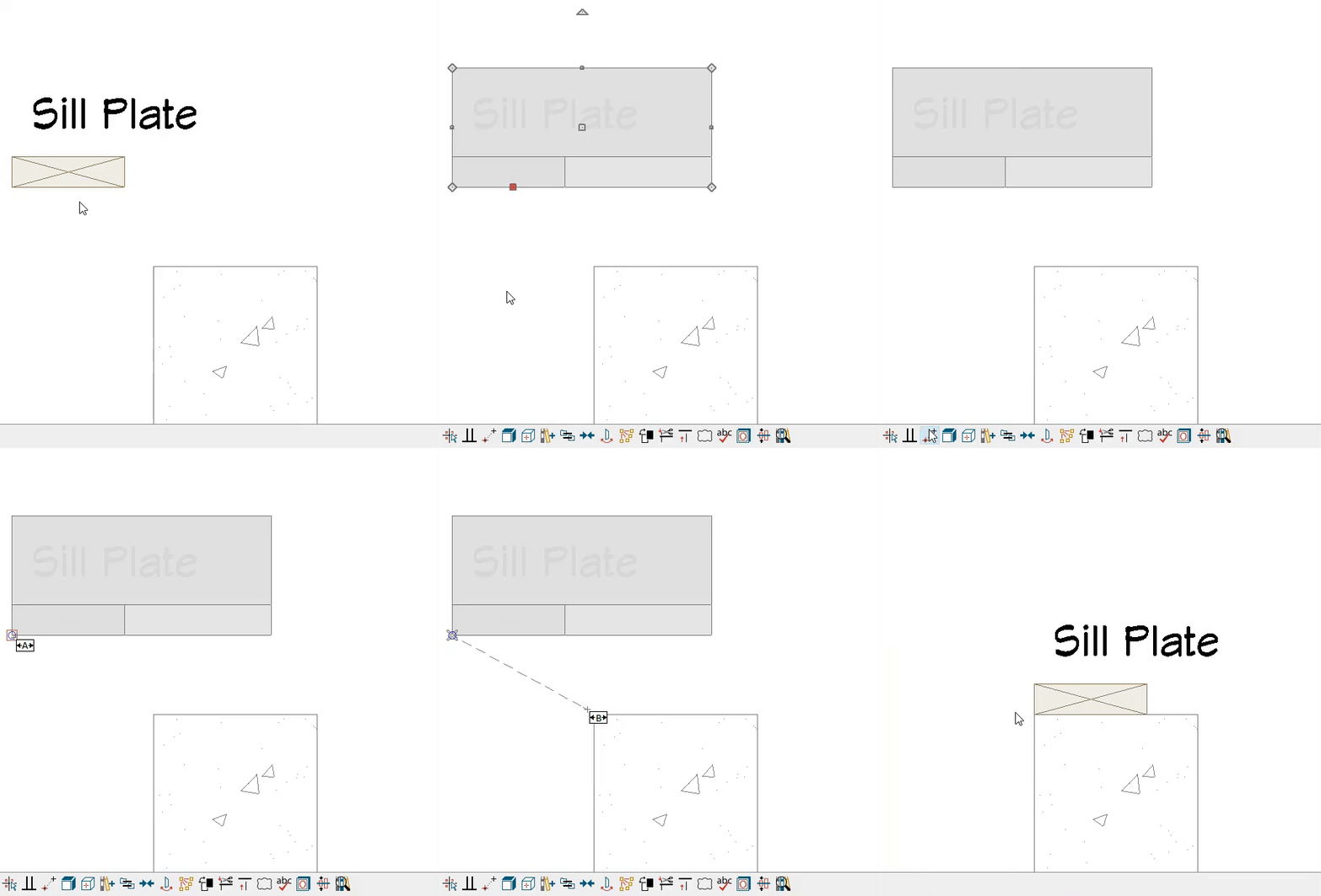
You can also move objects so that they are centered between two other objects (or points) by utilizing the Center Object and Point to Point Center edit tools. Please access your program's Help Documentation to learn more.
