Chief Architect Help Database - Article Number: 755
How to Draw Stairs Down From a Deck or Porch
The information in this article applies to:- Chief Architect X5
- Chief Architect X4
- Chief Architect X3
- Chief Architect X2
- Chief Architect X1
I need to create stairs that go from my deck and porch down to the ground. How do I do this?
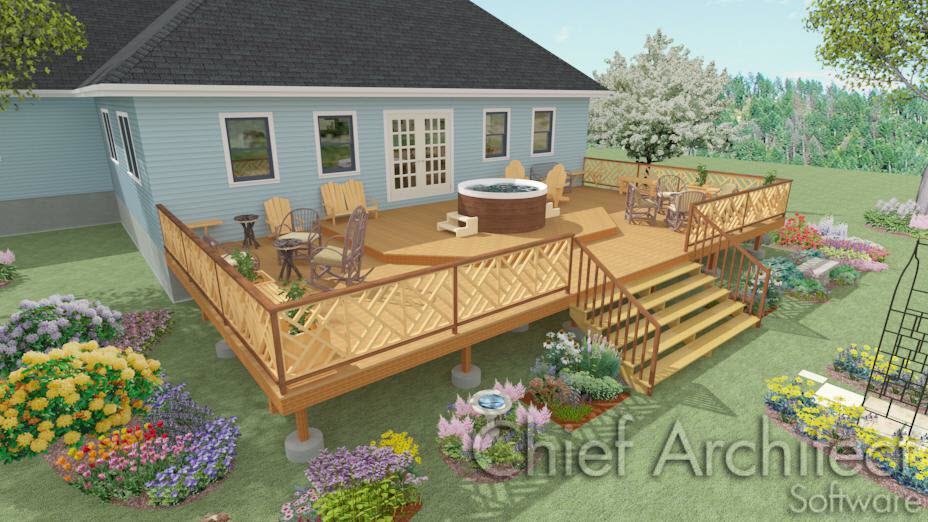
In Chief Architect X1 and newer, use the Click Stairs tool to easily place stairs between levels on the same floor or between a floor platform and the terrain with a single click.
To draw stairs using the Click Stairs tool
- Open the Chief Architect plan in which you need stairs drawn from a deck, porch or other floor platform down to the terrain.
- Select Build> Stairs> Click Stairs
from the menu.
- Click at the lower level within a few feet of where the floor levels change.
Last updated on: Mar 29, 2013
My Cart
