QUESTION
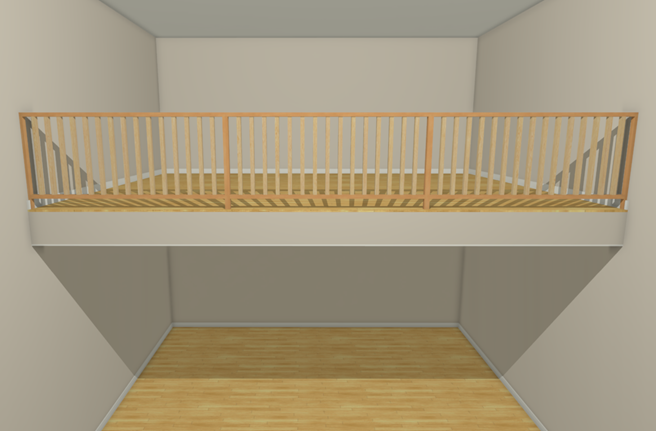
I want to create an opening or a hole to a lower floor, such as in a grand entry, loft, balcony, mezzanine or elevator shaft situation, but I don't know how to get rid of the floor in this area. How do I accomplish this task?
ANSWER
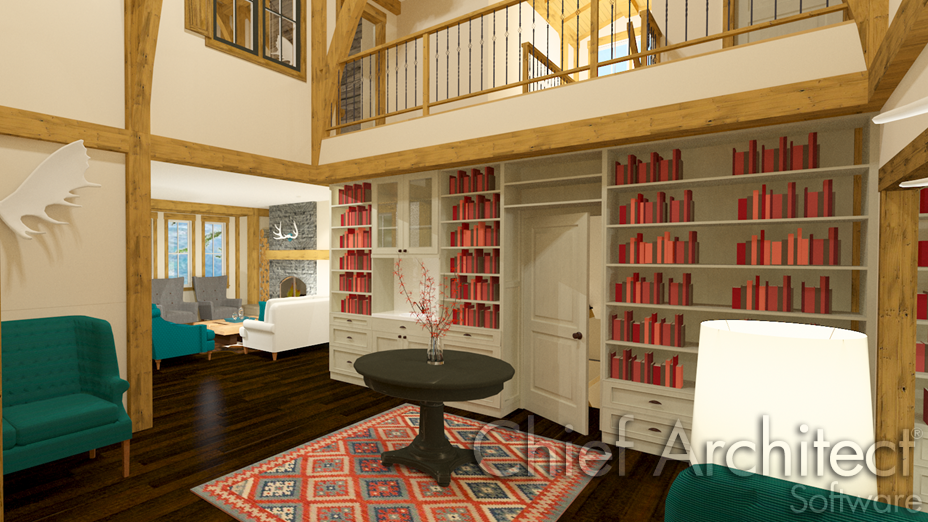
The Open Below room type is useful when you want to create an area open to the floor below it, such as for a manually created stairwell.
To create an open below room
- Define the area you wish to create an opening in by using any combination of the various wall tools, such as a Straight Railing
 .
.
If you don't want any walls or railings, use the Room Divider  tool instead.
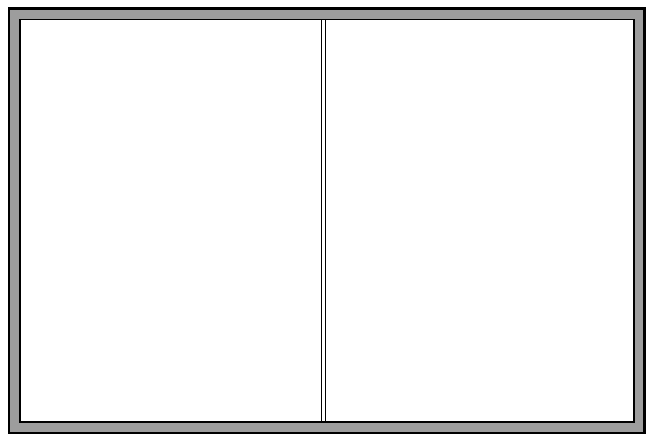
In this example, we created a 20' x 30' structure, generated an additional floor level, and placed a straight railing in the middle of the second floor.
- Using the Select Objects
 tool, select a room, then click on the Open Object
  edit button to display the Room Specification dialog.
- On the General panel, select Open Below from the Room Type drop-down menu.
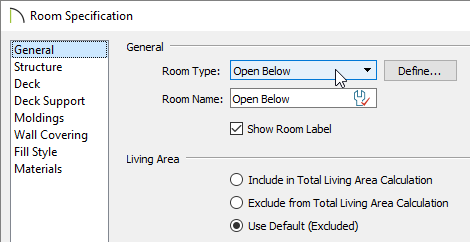
- Click OK to confirm the change, and notice that the room label will reflect the open below room type that was chosen.
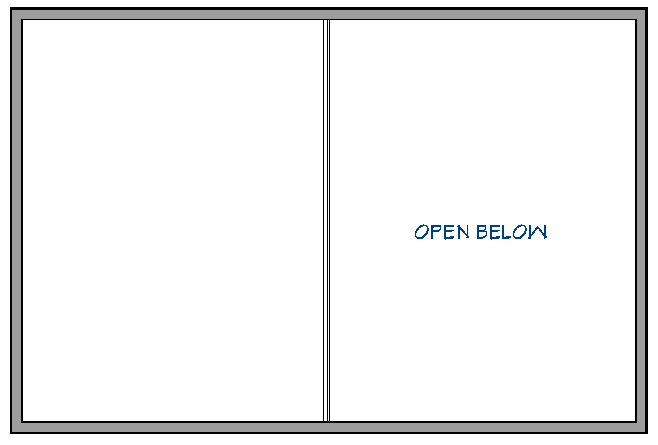
- Take a Camera
 view to see the results.