Architect 3D Software
Cross Sections & Elevations
Automatic & Manual Building Tools
Material & Light Properties
Residential & Light Commercial
Artistic Rendering Styles
3D Visualization & Design Tools
Residential & Light Commercial
3D Design Tools
Interior Design
CAD-TO-WALLS AutoCAD® Import
Artistic Rendering
Cross Sections & Elevations
Automatic & Manual Building Tools
Material & Light Properties
Powerful CAD Tools
Raytrace Rendering
Layer & Annotation Sets
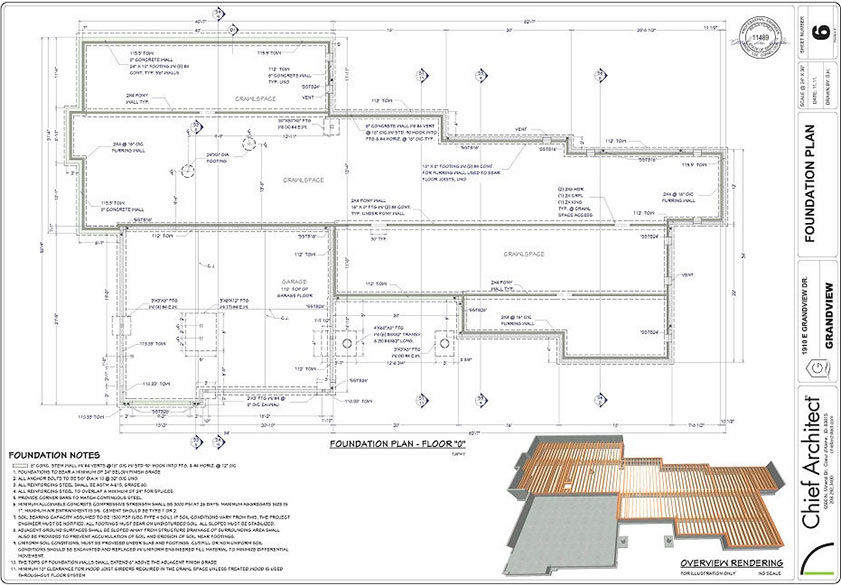
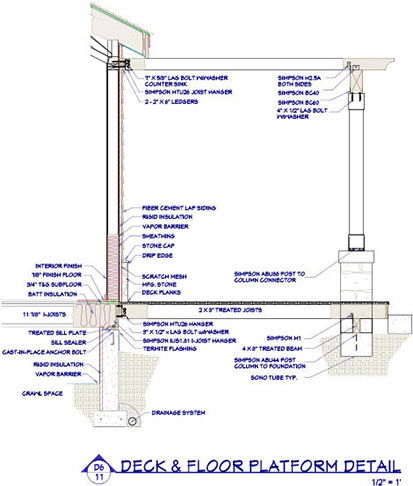
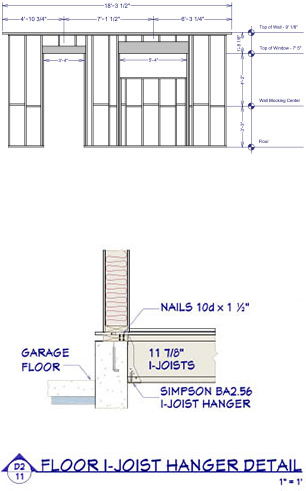
Construction Drawings
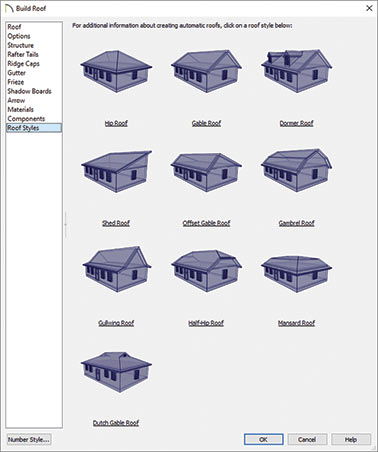
Perfect for residential and light commercial with powerful tools like Auto Dimension™, Automatic Roofs, and Visual CAD Snaps™. Copy and Replicate floors, walls, and windows to make design work fast and efficient.
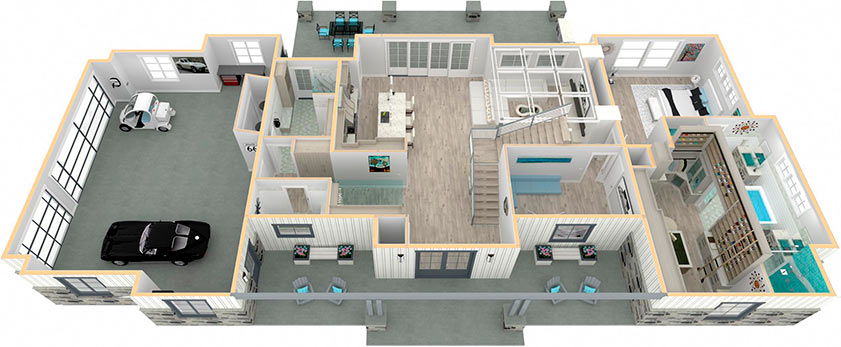
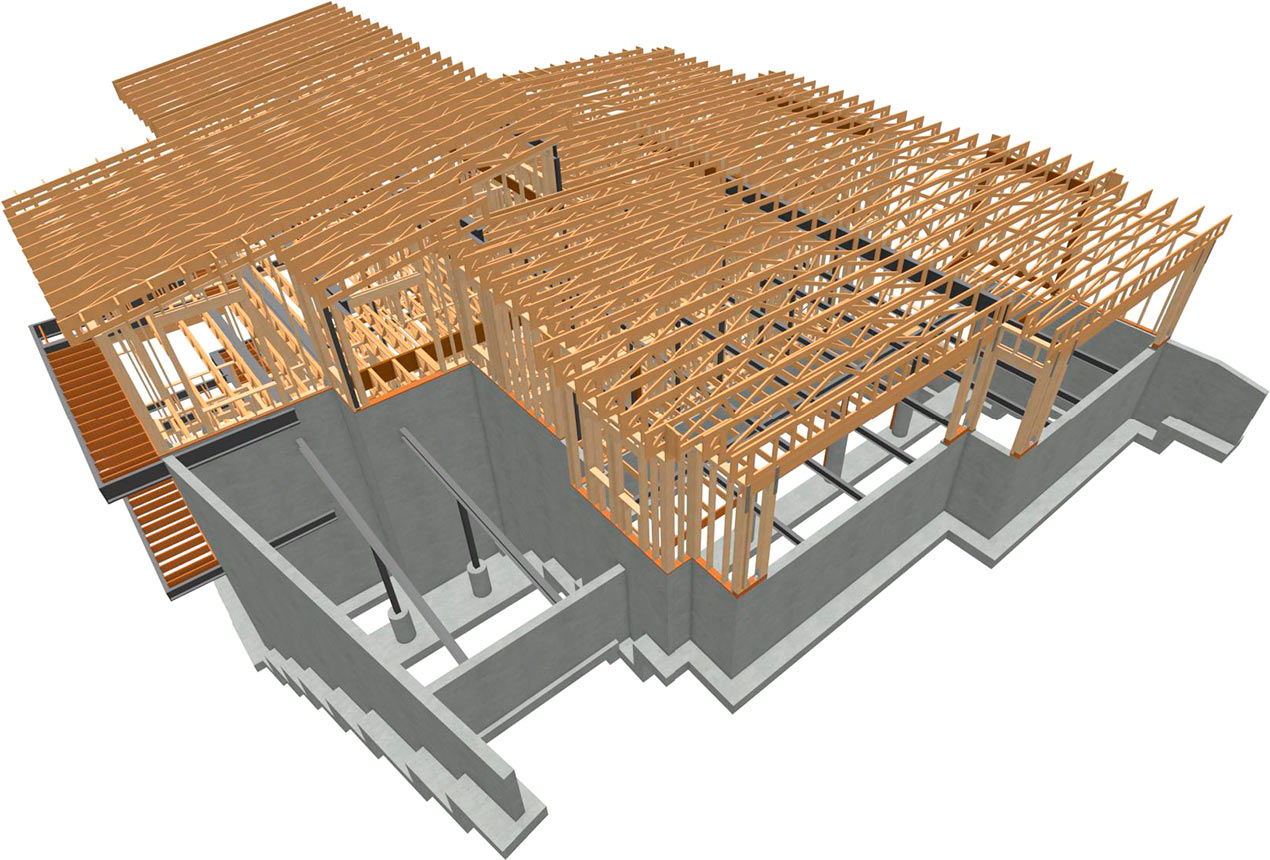
Chief Architect allows you design in a variety of views — 2D plan view, 2D elevation and the 3D perspective views. While some programs show 3D or have partial editing, with Chief Architect every object in your design, including structural items, can be edited completely and accurately in 3D.
Use the Space Planner to drag-and-drop rooms for quick client consultation. Quickly drag and arrange walls, windows, doors, cabinets, place furnishings, size rooms, and add colors. Create the virtual look and feel for any kitchen, bath, entryway, or master bedroom.
Easily import CAD files, such as AutoCAD® including DWG and DXF. Use the CAD-TO-WALLS to import and convert CAD files into a 3D model. Use the layers to map CAD lines into walls, windows, and doors.
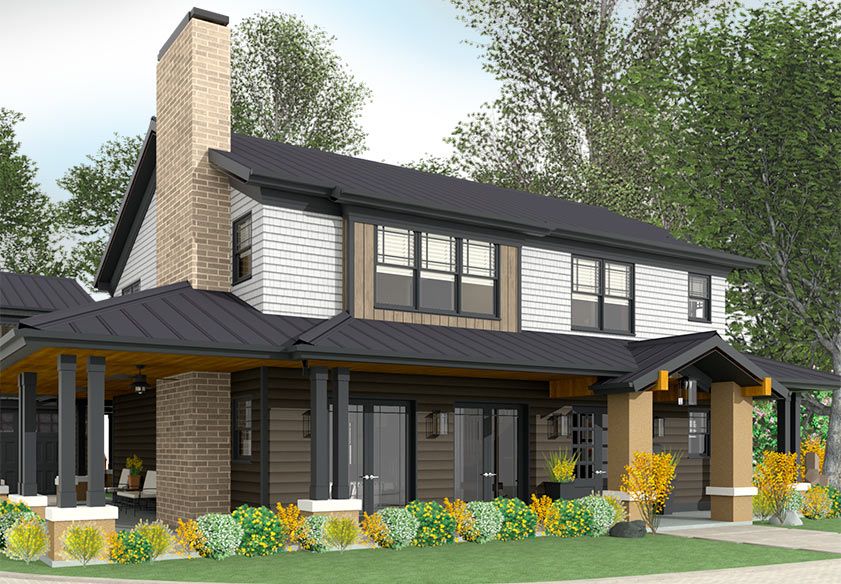
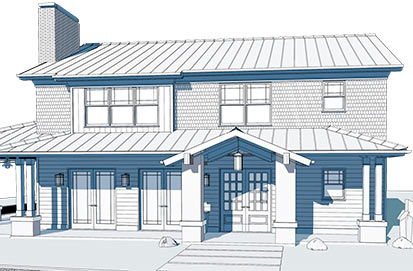
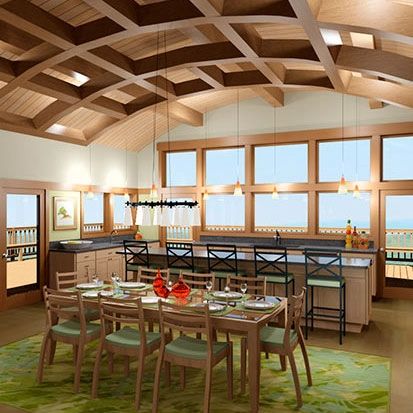
Chief Architect includes photo realistic and artistic rendering. With artistic rendering you can toggle through the design with Glass House, Watercolor, Painting, Line Drawing, Technical Illustration, Vector, and Duotone views.
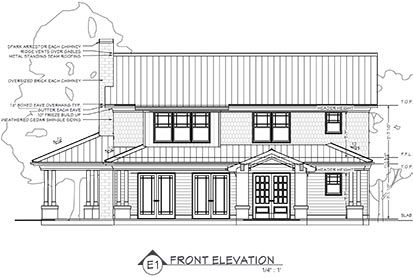
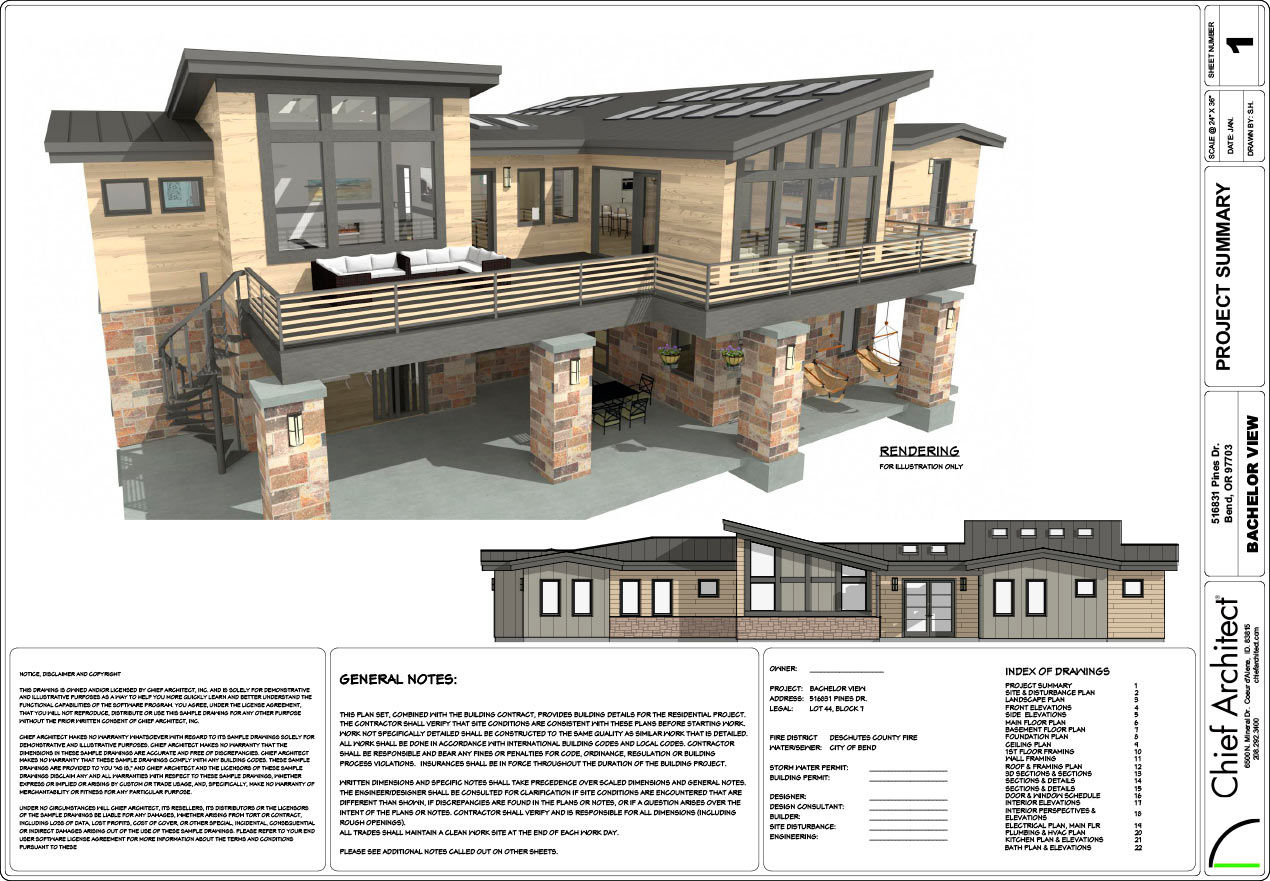
Create interior and exterior elevations — toggle color on/off, add dimensions, change line weights, and callout text. Any changes you make to an Elevation view are automatically linked and synchronized to the model. Use a Cross-Section or a Back-Clipped Cross Section for detailed views.
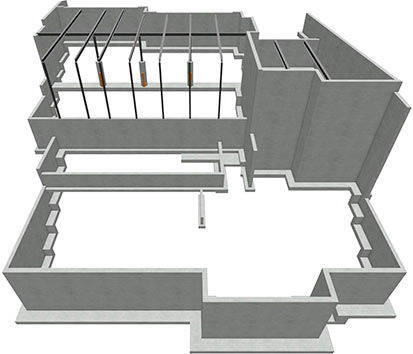
Powerful design tools make quick and efficient work of tedious tasks that will help you be more productive and efficient. Building Tools for foundations, framing, ceilings, roofs, stairs, cabinets, terrain, and CAD make it easy to visualize your design ideas for clients.
Use material class definitions for more photo realistic 3D views. Materials can be defined for interaction with light. Define Sun angles, light fixtures and light sources to set your design scene.
Comprehensive CAD objects and editing tools: Points, Lines, Polylines, Splines, Arcs, Circles, Ovals, Boxes, Arrows, Solids, Primitives, Fence, Trim Extend, Parallel, Perpendicular, Reflect, Replicate, Transform, Fillet, Chamfer, and several others.
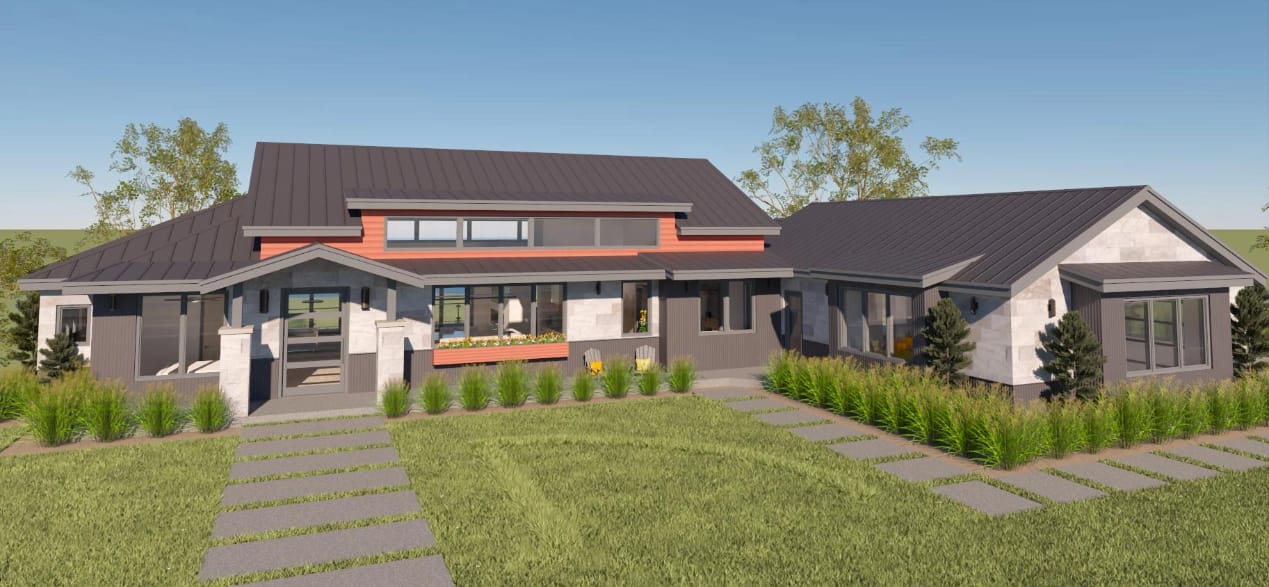
The Chief Architect Ray Trace Rendering Engine calculates the lighting and materials properties to create very photo realistic renderings directly within your model — no need to export to an external source for rendering. A Ray Trace Wizard is available with predefined settings for indoor and outdoor scenes.
Chief Architect is a Layer based system you can use to toggle various Layers on/off. Annotation Sets control a subset of defaults including Dimensions, Text, Arrows, Markers, Callouts, and Layers. Annotation Sets can be used to quickly change your defaults and streamline the annotation process.
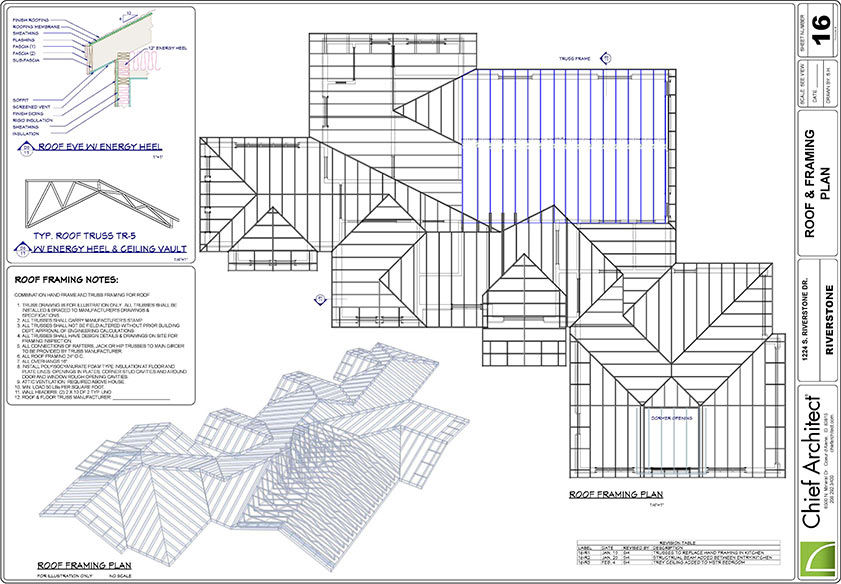
As you design your model, all views and layers can be defined to create scaled Construction Documents with our Layout tools. Every view is linked to the model ensuring changes in floor plans, elevations, cross-sections or CAD Details are always accurate.
Architects
| Architect Top Features |
|
|
|
|---|---|---|---|
| Premier | Lite | ||
| See Full Product Comparison Chart | |||
| Recommended for Architects | X |
||
| Complete Architectural Design for New Construction, Additions, Remodeling, Kitchens & Baths, Landscaping & Decks | X |
Smaller Projects | |
| Quickly Create Full Construction Documents Including all Structural Elements such as Framing | X |
X |
|
| Import/Export AutoCAD and 3D file types | X |
Limited | |
| Extensive CAD Detail Library to Quickly Detail your Plans | X |
Limited | |
| Complete Catalog Library of Manufacturer and Generic Content | X |
Limited | |
| Full Materials List including Automatic Structural Lumber Table for Cut and Buy Lists | X |
X |
|
| Complete Set of Terrain, Landscaping and Deck Tools | X |
Limited | |
| Advanced 3D Rendering Capabilities including Artistic Rendering and Photo Realistic Raytrace Rendering | X |
||
Why Chief Architect?
Chief Architect, Inc. began developing home design software in 1991 out of the passion to have a great product to design homes. We still have that passion today. All software development, engineering, sales and support are done by our own dedicated employees. We spend a lot of time listening to our user forum, ChiefTalk, User Group meetings, and our direct user interaction to make sure we really understand how to make our software serve professional designers.
When you purchase Chief Architect software and become a customer, we will offer world class support and services. While Chief Architect is the leading the 3D Home Design Software with the fastest learning curve, we also realize you need the support and education — which is why we offer the most extensive online webinars and online training videos (over 500) in the industry to help you be successful.
Give Chief Architect the chance to earn your business so you can be more productive and profitable!
3D Architectural Home Design Software for Architects
My Cart