Builder & Remodeler 3D Software
Residential Home Design
Plan Sets & Construction Drawings
Cross Section & Elevations
Advanced Framing Tools
Construction Drawings
3D & 2D Rendering
Terrain & Site Plans
Stair & Ramp Tools
Materials List & Cost Estimating
Electrical & HVAC
Floor Plan Tools
Cross Sections & Elevations
Foundations & Floors
CAD Tools & Details
Decks & Landscaping
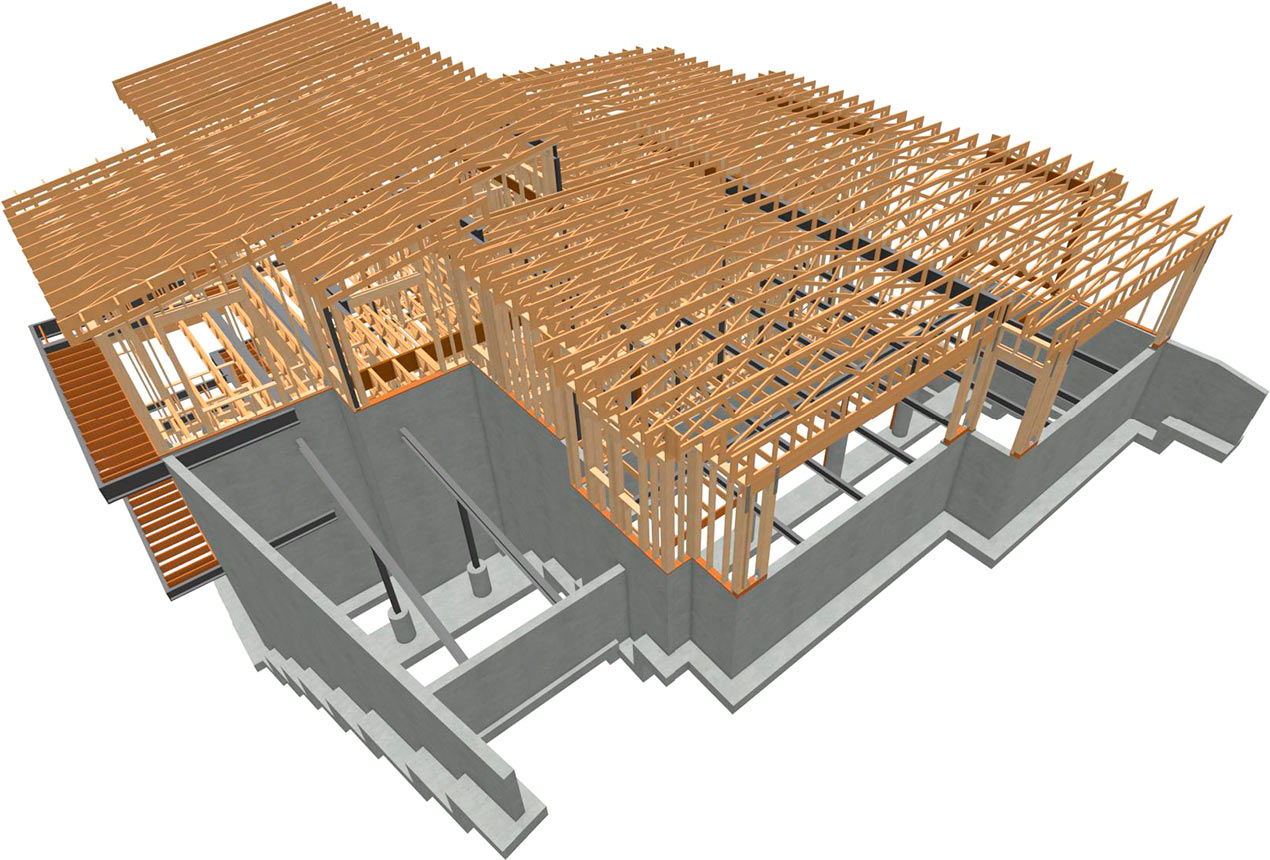
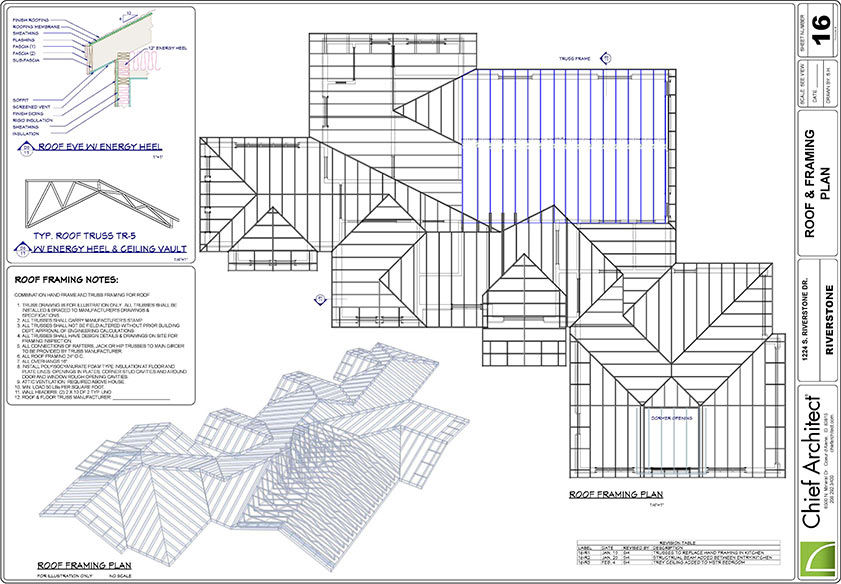
Use the automatic framing tools to create your framing. Make manual adjustments, including hand or truss framing. Change the material type — metal, wood, I-joist, and glulam.
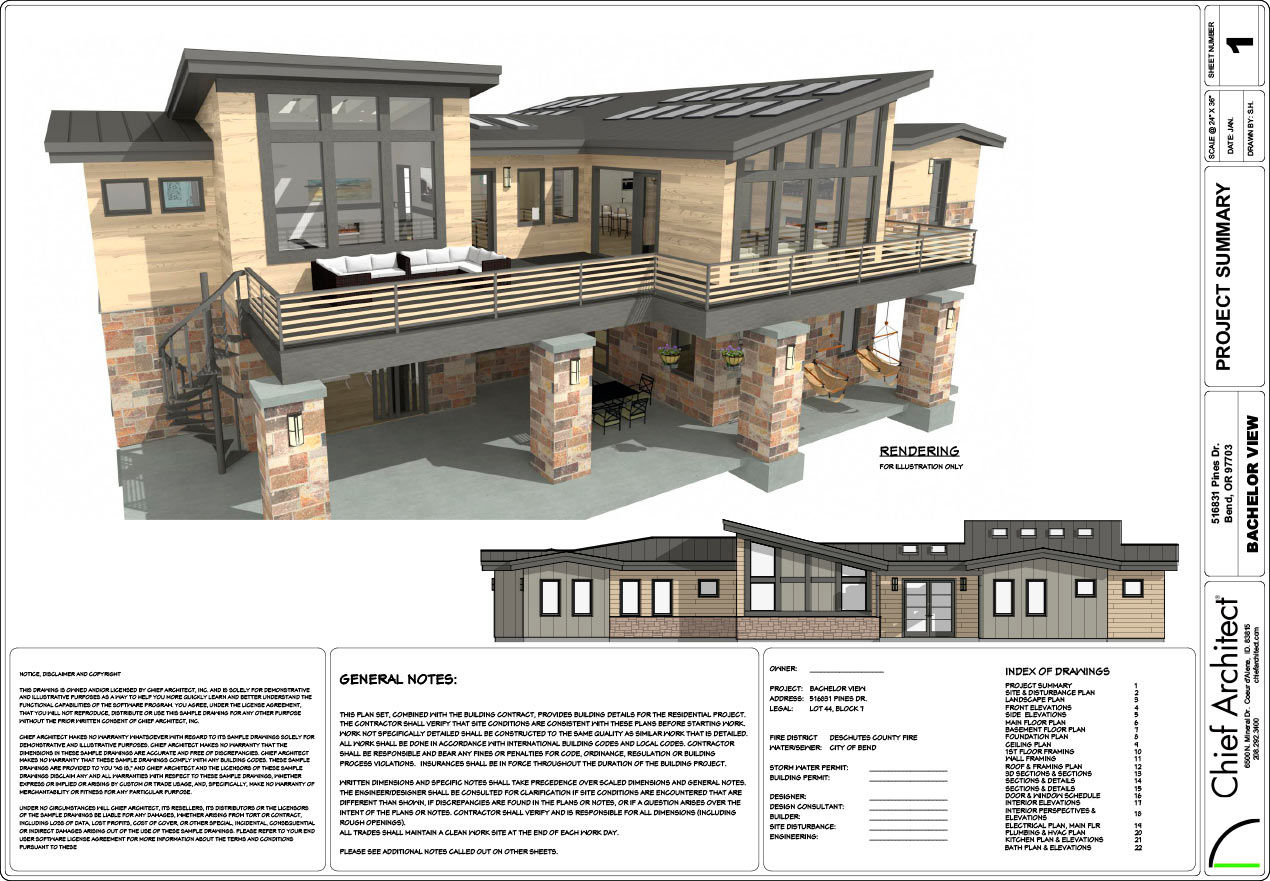
As you design your model, all views and layers can be defined to create scaled Construction Documents with our Layout tools. Every view is linked to the model ensuring changes in floor plans, elevations, cross-sections or CAD Details are always accurate.
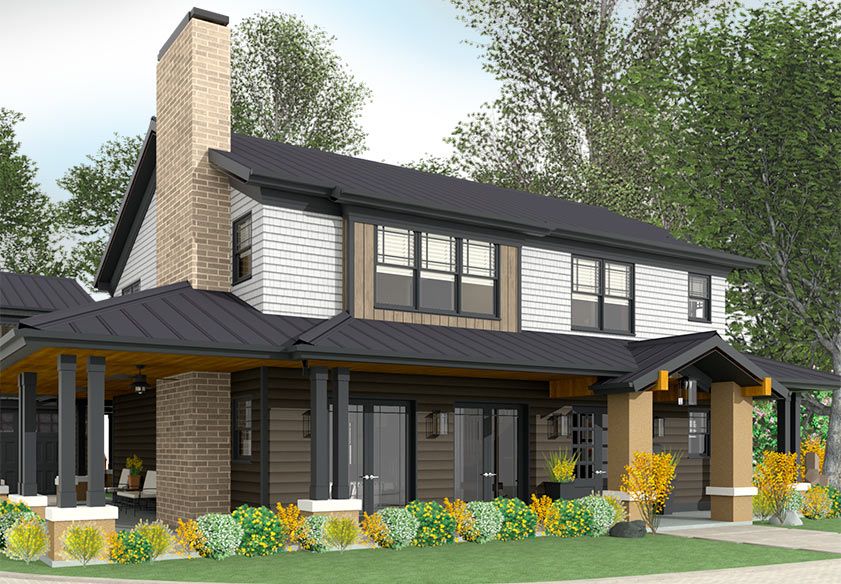
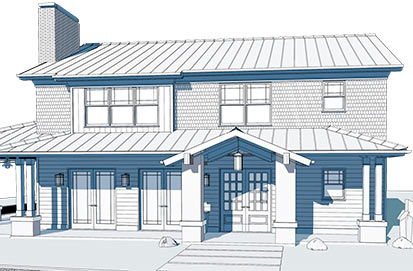
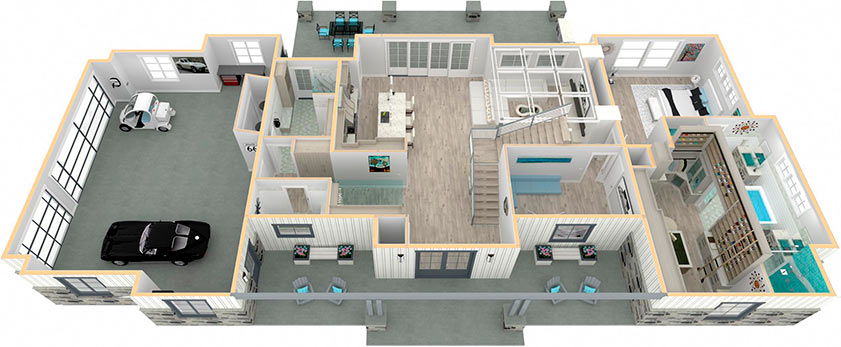
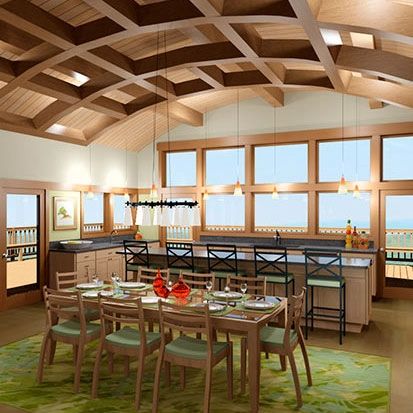
Design in a 2D Plan View or in 3D view with over nine different camera rendering styles such as Glass House or Line Drawing. You can design in 2D and 3D at the same time, such as plan view with a perspective or elevation view.
Define any shape of lot — sloped to flat. Import from a GPS, surveyor’s data file or draw your own elevation data with the powerful Terrain & Site Planning tools. Road, sidewalk, hill, and valley tools make it easy to create single and multi-site developments.
Use powerful Stair Designer tools to create straight, split entry, curved, and multi-level Stairs and Ramps. Define height, width, tread depth, risers, angles, handrails, balusters, auto stairwells, landings and winders.
All materials in your model are automatically generated in the materials list — doors, windows, cabinets, framing, concrete, etc. You can create the materials list by room, area, or by project. Display lineal or square feet, create Cut & Buy Lists, and Schedules of Materials
Create Electrical, HVAC, and Plumbing plans. Automatically place electrical items for each room, switches, outlets, assign lighting properties, connect circuits, and dimension. Choose from a wide variety of light fixtures in the built-in Catalog.
Create accurately scaled floor plans. Use the Space Planner to drag-and-drop rooms for quick client consultation. Place furnishings and resize for space planning and room sizing. Copy, replicate and reverse floors.
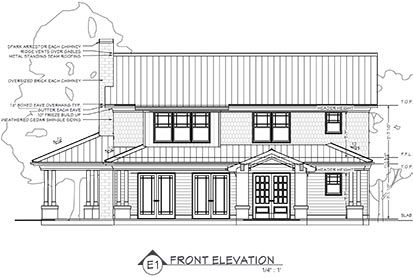
Create interior and exterior elevations — toggle color on/off, add dimensions, change line weights, and callout text. Any changes you make to an Elevation view are automatically linked and synchronized to the model. Use a Cross-Section or a Back-Clipped Cross Section for detailed views.
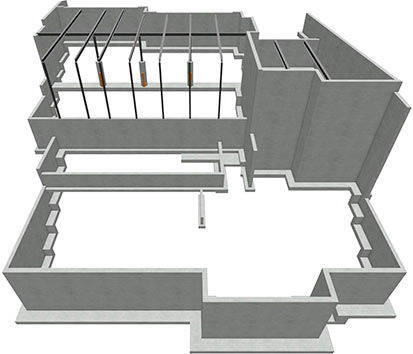
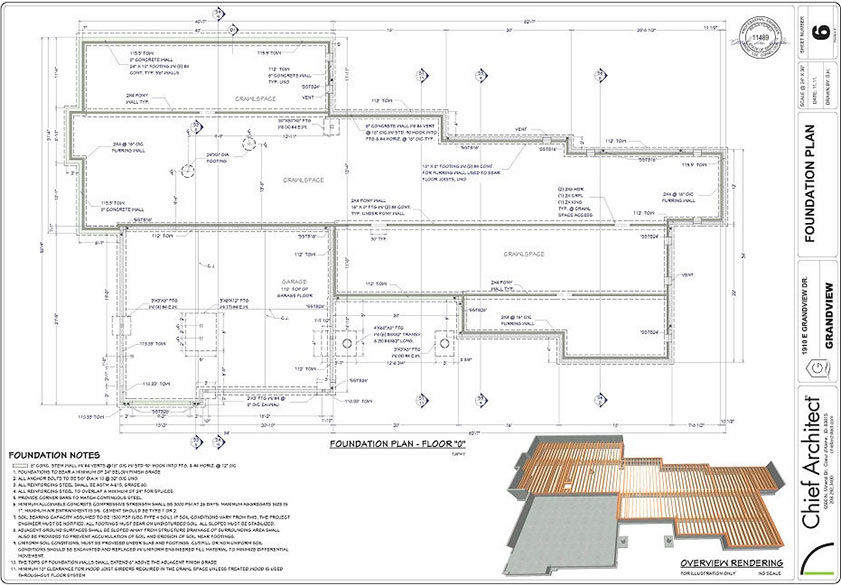
Automatically build slab, crawl space, pier, full foundations, step walls, and define vertical footings — all can be manually modified. Create new floors based on an existing floor and copy and replicate floors for multi-unit developments.
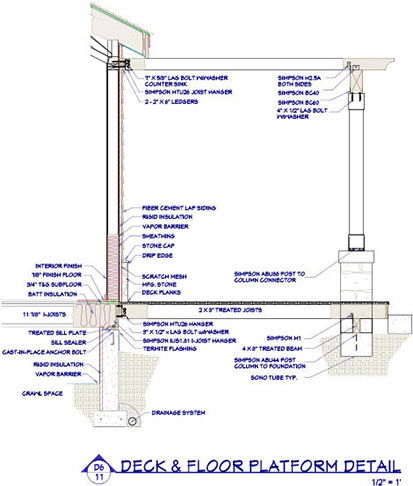
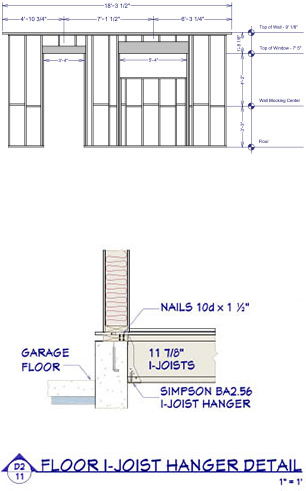
Chief Architect includes over 500 CAD Details — architecturally correct and scaled. Customize the details to your exact needs and save to the Library for future use. Import your own existing CAD Details or from manufacturers for your construction drawings.
With the powerful Deck Designer tools, you can create any style of deck or patio — complete with a Cut & Buy List. Create Landscape topography designs with contour elevations. Choose from over 4,000 realistic 2D & 3D plants. Use the Plant Chooser to learn about and search plants.
Builders & Remodelers
| Builder & Remodeler Top Features |
|
|
|
|---|---|---|---|
| Premier | Interiors | Lite | |
| See Full Product Comparison Chart | |||
| Recommended for Builders and Remodelers | X |
||
| Full Architectural Design for New Construction, Additions, Remodeling, Kitchens & Baths, Landscaping & Decks | X |
Interiors, Kitchens & Baths, Remodeling | Smaller Projects |
| Advanced 3D Rendering Capabilities including Artistic Rendering and Photo Realistic Raytrace Rendering | X |
X |
|
| Full Construction Documents and all Structural Elements such as Framing | X |
Limited Structural | Limited CAD Library |
| CAD Detail Library to Quickly Detail your Plans | X |
Limited | |
| Catalog Library of Manufacturer and Generic Content | X |
X |
Limited |
| Materials List and Cut and Buy Lists | X |
Excludes Cut and Buy Lists | X |
| Terrain, Site Planning, Landscaping and Deck Tools | X |
Limited | |
Why Chief Architect?
Chief Architect, Inc. began developing home design software in 1991 out of the passion to have a great product to design homes. We still have that passion today. All software development, engineering, sales and support are done by our own dedicated employees. We spend a lot of time listening to our user forum, ChiefTalk, User Group meetings, and our direct user interaction to make sure we really understand how to make our software serve professional designers.
When you purchase Chief Architect software and become a customer, we will offer world class support and services. While Chief Architect is the leading the 3D Home Design Software with the fastest learning curve, we also realize you need the support and education — which is why we offer the most extensive online webinars and online training videos (over 400) in the industry to help you be successful.
Give Chief Architect the chance to earn your business so you can be more productive and profitable!
3D Architectural Home Design Software for Builders