Kitchen & Bath Design Software
Kitchen and Bath Design is a specialty at Chief Architect. We focus on providing the best software tools for professional kitchen and bath designers: automatic floor plan and wall elevation dimensions, an extensive manufacturer catalog (cabinets, appliances, fixtures, doors, windows, materials), best‑in‑class 3D rendering, ease‑of‑use that makes design intuitive with an extensive how‑to video training system. If your project extends beyond the kitchen or bath, no problem, Chief Architect is the top‑rated software for full residential home design.
 Kitchen Design
Kitchens - A smarter design software
Smart cabinet tools make it easy to create any custom cabinet style — framed, frameless or shaped. Why are more kitchen and bath designers using Chief Architect? It's flexible, easy and intuitive. Take a look at the process with our kitchen design time-lapse and learn more about kitchen remodeling. Chief Architect offers powerful kitchen design software tools including:
- Wall elevations and cross sections
- Floor plan dimensions and annotations
- Schedules — cabinets, appliances, fixtures, doors, and windows
- 3D renderings with 10 options from line drawing to watercolor

Use Chief Architect to take NKBA certification exams.

 Bath Design
Elevations, floor plans & 3D renderings
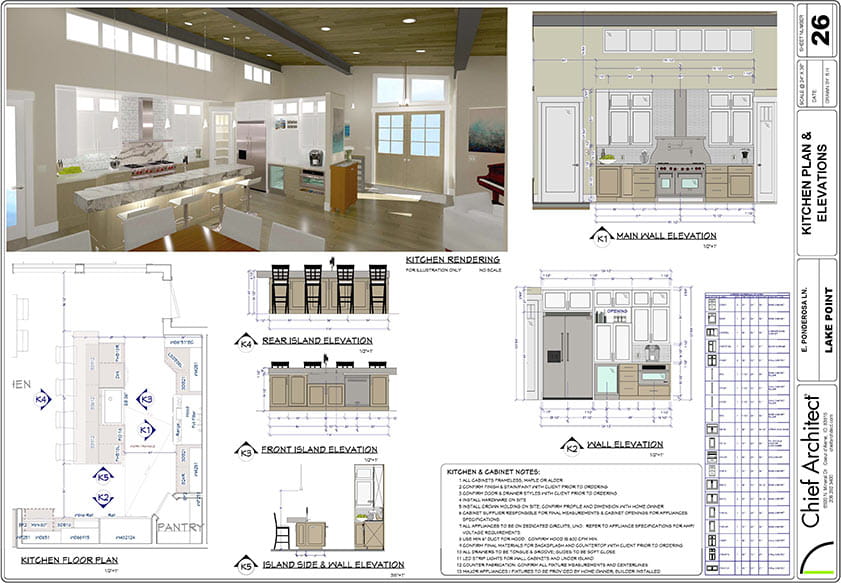
Designing or remodeling a new bath? Chief Architect's software tools provide for floor planning, 3D rendering, elevations and construction drawings. Use the Chief As-Built app to scan your existing rooms. Further, Chief Architect offers easy-to-use bath design software tools with the ability to:
- Create any style of cabinet or vanity with smart cabinet objects
- Choose from an extensive catalog of cabinet doors, drawers, colors, and styles — both manufacturer, name-brand, and custom
- Create custom countertops, backsplashes, showers, and tub platforms
- Automatically dimension wall elevations and floor plans per NKBA dimension standards
- Experiment with fixture and material options
- Create cabinet and fixture schedules
- Export 3D renderings and 360° panoramic renderings
 Cabinets & Kitchen Islands
Smart cabinet tools
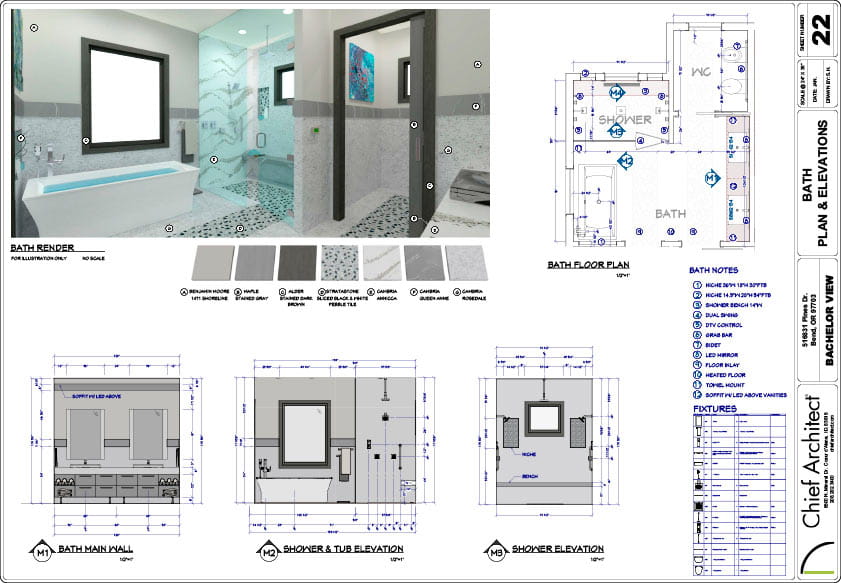
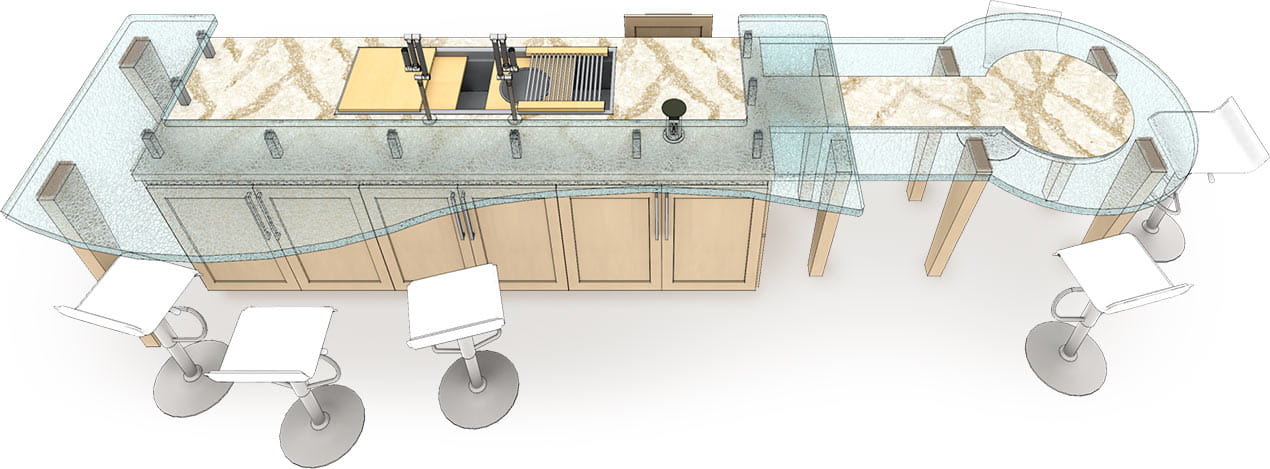
Smart cabinet tools make it easy to create any style from bath vanities to kitchen islands. You can easily resize, shape, and group cabinets as they bump, merge and form automatic countertops. Place and arrange your cabinets in 2D, 3D, or elevation views. Change countertops, door & drawer styles, wood species, stain, or paint colors using a Material Painter for cabinet options. Created a favorite cabinet configuration or island? Save that cabinet grouping to the library for future use. You can even save an entire kitchen or bath cabinet grouping with accessories to your Library!
 Appliances & Fixtures
Design with popular name brands
The key to any kitchen and bath project is having a variety of appliances and fixtures. You can download a number of name‑brand or custom appliances and fixtures free from Chief Architect's 3D Library. And, if you need more, easily import 3D objects and symbols from manufactures or 3D websites. Resize any appliance and fixture for custom projects.
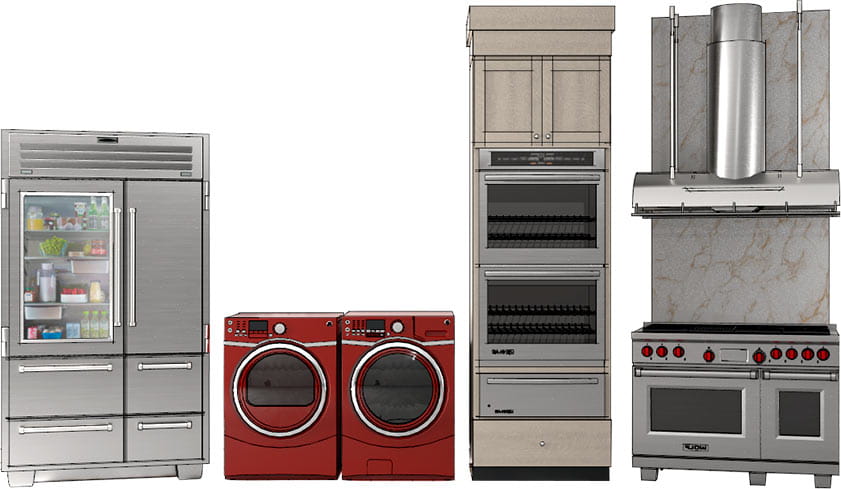
Appliances
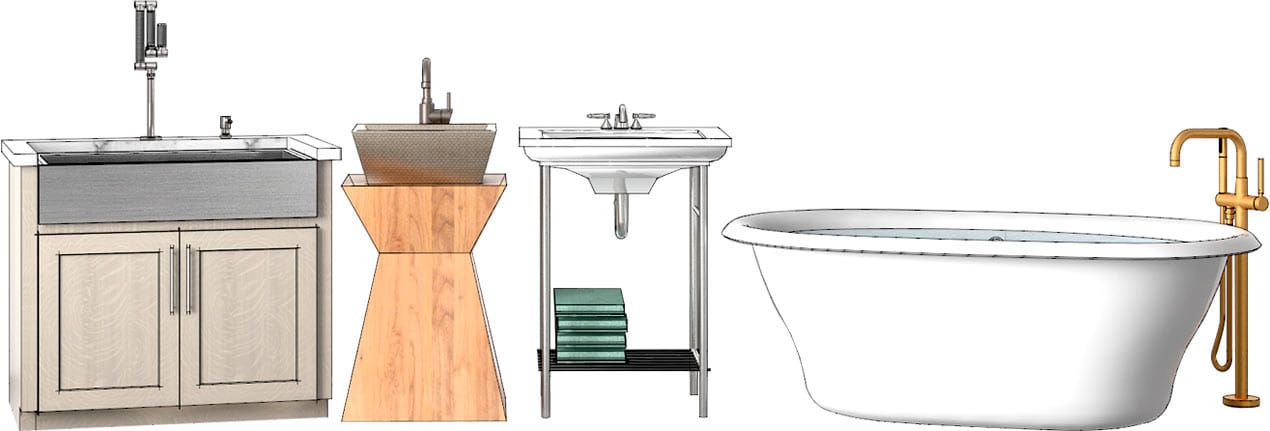
Fixtures
 Dimensions & Wall Elevations
Plans that follow NKBA standards
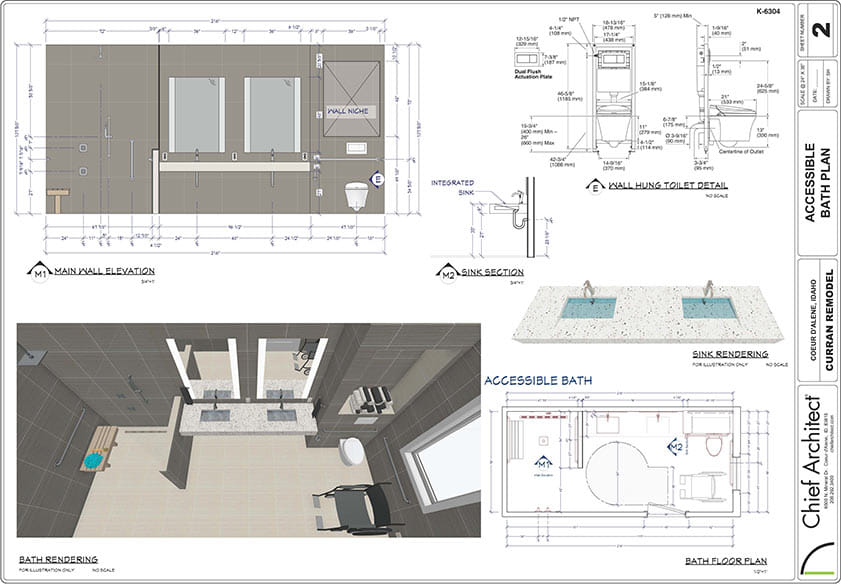
3D renderings and virtual tours of kitchens and baths often sell the project to your client. Yet, floor plan and dimension details are required to build the project. Automatic floor plan and wall elevation dimensions per National Kitchen and Bath Association standards make it easy to create the detail needed for building permits and subcontractors. See more plan set examples in our Sample Plans and Projects.