Remodeling Software Features
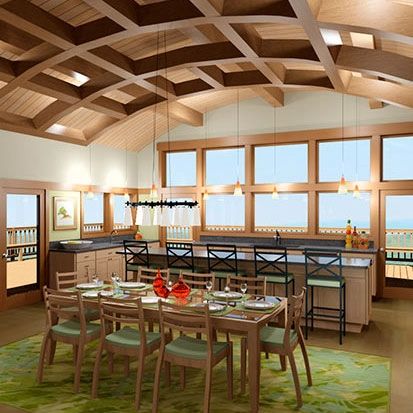
"I was blown away by the power, versatility and responsiveness of this 3D imaging. Virtual models show every aspect of a house or addition in stunningly realistic 3D dimensions."
–Doug Friesen
Duxborough Designs
3D Design Software for Remodeling Professionals

Automatic 3D Models with Chief Architect
Chief Architect is a great tool for the Remodeler to provide a cost effective design that helps accurately communicate the project before construction begins. Often the most challenging issue with remodeling is helping the client visualize the finished project and determine project costs. Chief Architect enables the Remodeler to show both as-built and new construction – with 2D and 3D models. Mark areas for demolition, generate an automatic Materials List by area, use Layer Sets to color code and produce Plan Sets for your remodeling project. Be more productive and ensure more satisfied customers with Chief Architect on your next remodeling project.
Automatic & Manual Building Tools

Automatic Materials List & Cost Estimating
- Use the powerful built-in Automatic and Manual Building tools to make the most of your design time including: walls, windows, foundations, framing, stairs, decks, CAD, electrical and more
- Automatic and Manual Dimension tools – click to place automatic dimensions or manually place dimensions
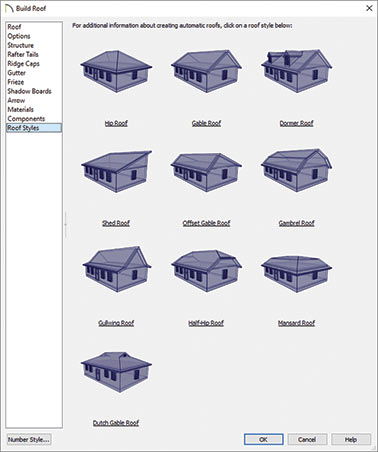
- Automatic and manual roofs: hip, gable, curved and more
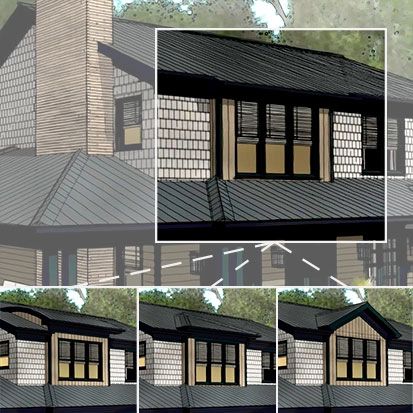
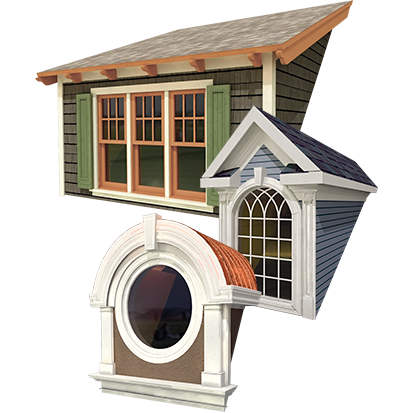
- Advanced roof tools: Auto Dormer™ and Auto Roof Returns™
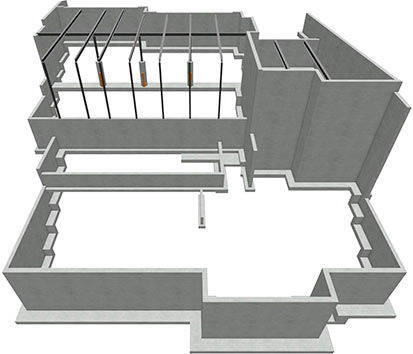
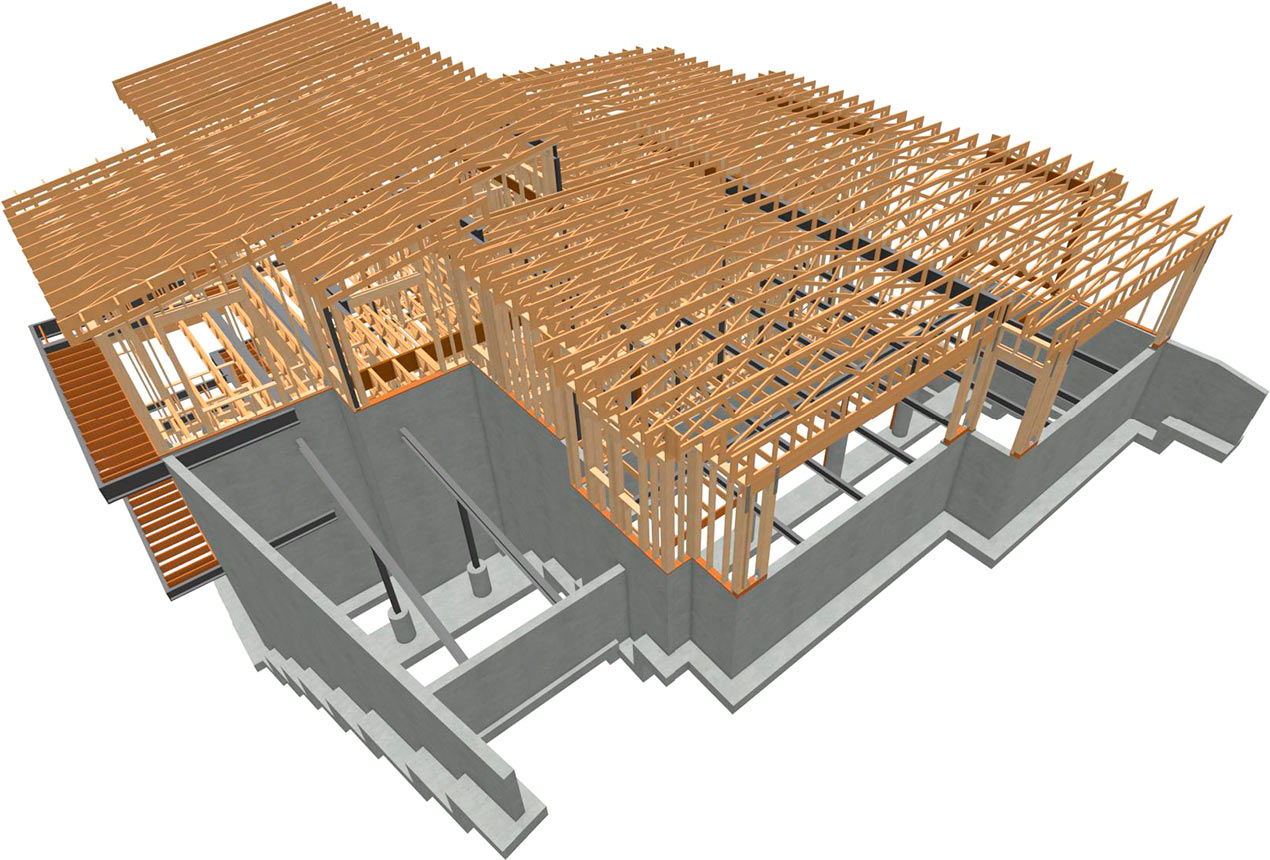
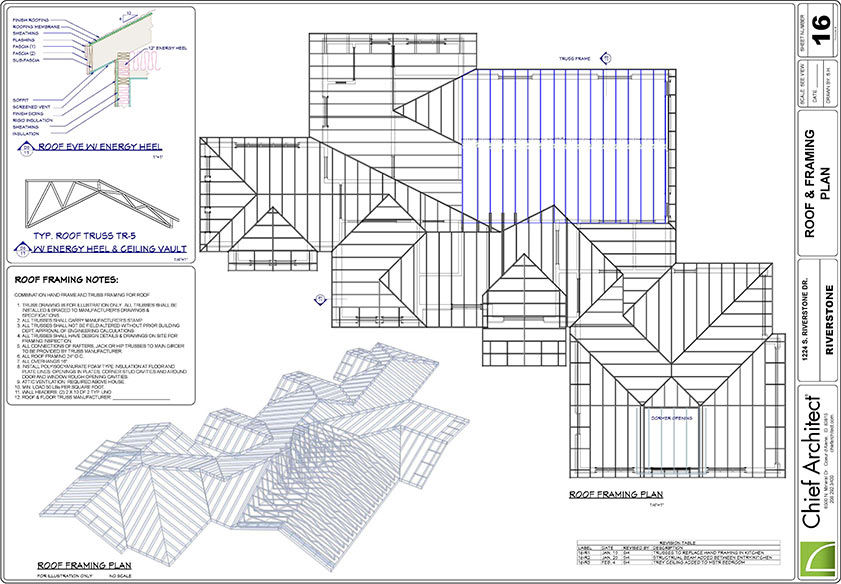
- Automatic framing for walls, foundations, decks and roofs
- A complete CAD tool set, including Visual CAD Snaps™ to highly customize designs
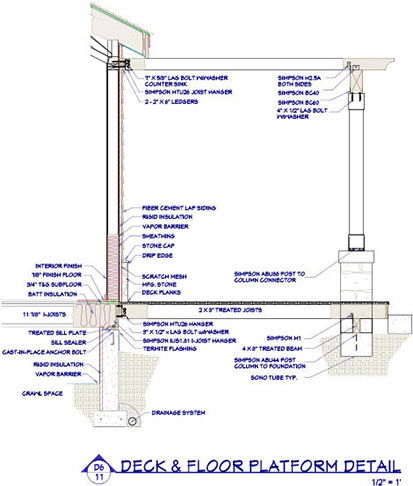
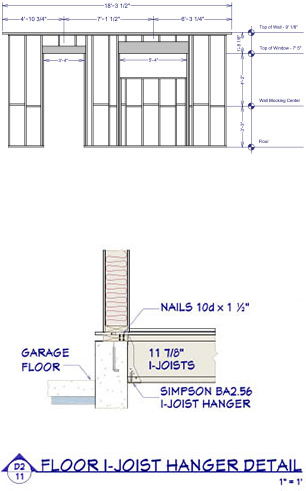
- Choose from a Library of over 1,000 CAD Details – customize or import new Details
- Import and export DWG/DXF/3DS/OBJ files
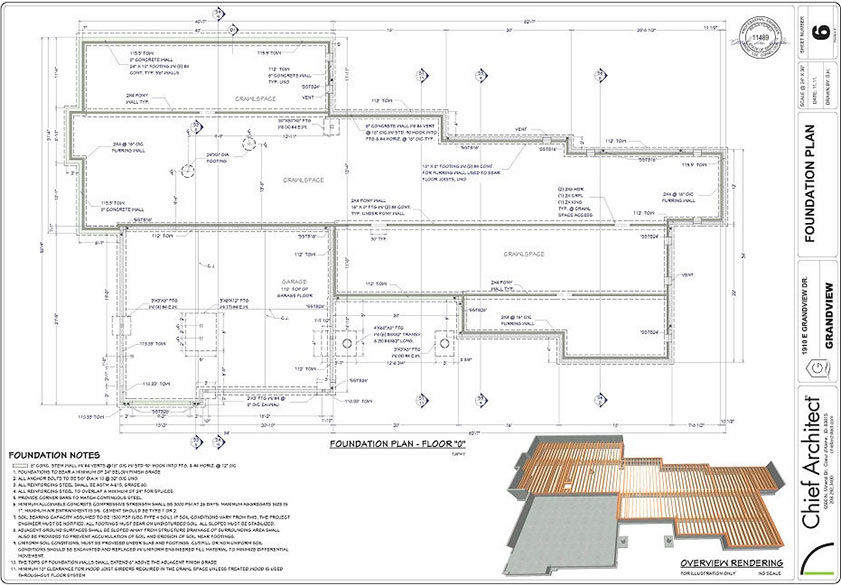
- Automatically generate foundations, floors, framing and roofs based on structural information you specify
Materials Lists for Cost Estimating

Design in 3D & 2D Simultaneously
- Automatically generate a Materials List broken down by individual category – concrete, framing, sheetrock and more
- As you make changes in the plan, the Materials List will automatically update when you generate a new list
- The Materials List can be generated by room, area or project in a spreadsheet format
- Easily export the Materials List to other programs for additional cost estimating or project management
- Build a Master List for pricing of commonly used items to save time for cost estimates
- Generate Schedules for: windows, doors, cabinets, electrical, fixtures and furniture
Remodeling & Home Design

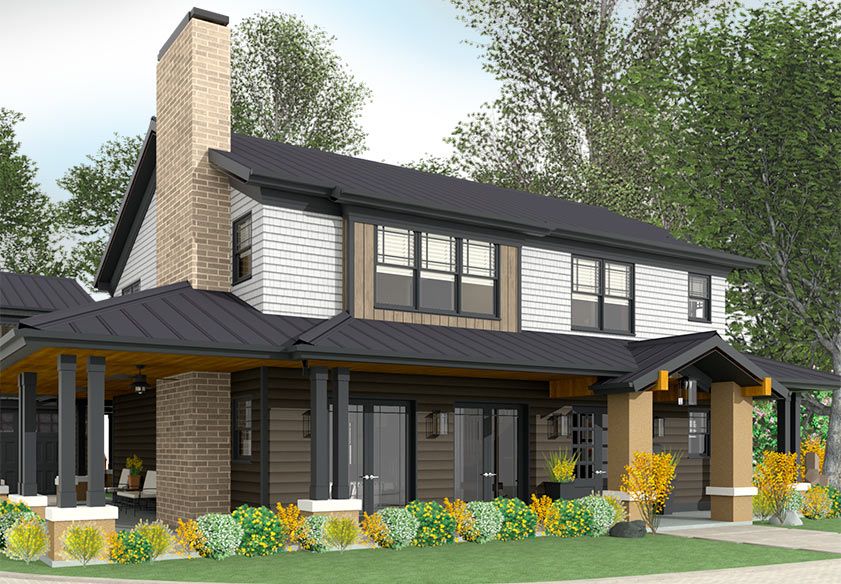
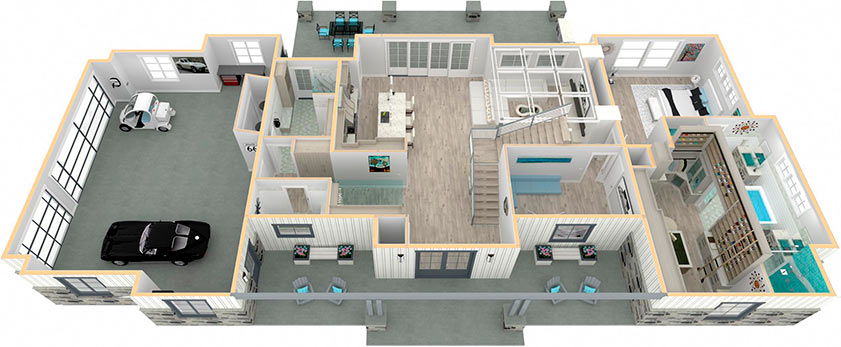
Generate Automatic 3D Models
- Perfect for residential or light commercial design – from concept to final plans
- Design in a 2D Plan View or 3D simultaneously
- Complete kitchen and bath design tools. Easily use the Cabinet Designer™ tools to create any custom kitchen
- Assist with cost estimating by using the Automatic Materials List generator
- Create terrain, landscapes and Site Plans with custom elevations – place roads, sidewalks and driveways
- Learn and design quickly with How-To videos in the Chief Architect Video Training Series
Design with 2D & 3D Models

Powerful Automated & Manual Building Tools
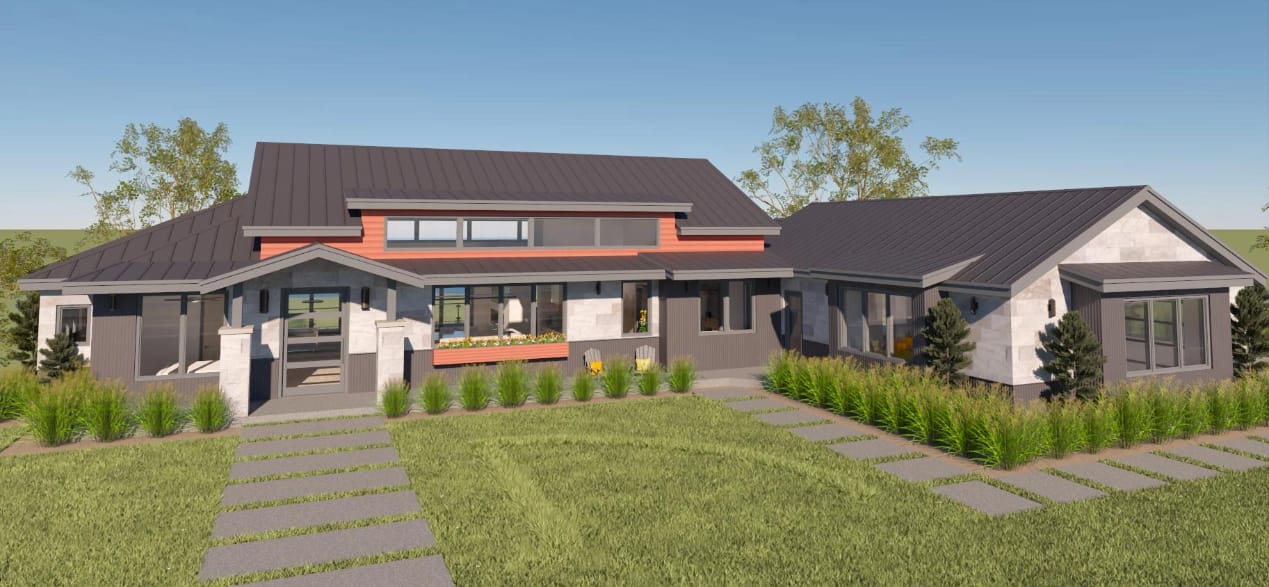
- Use the 3D views, models and Virtual Tours to help communicate and illustrate the finished project to a client
- Quickly drag and arrange walls, windows, doors and cabinets in 3D and 2D
- 3D models are automatic. To see a view, simply point-and-click the camera. Save any view as an image to email or print
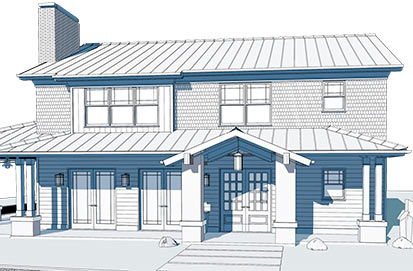
- Choose from several 3D tools including the Full Overview, Doll House™, Glass House™ and many more
- Quickly design kitchens or baths in 3D, dropping in cabinets, changing styles, adding custom countertops, flooring and more
- Choose from over 10,000 Library objects to make your designs realistic
Plan Sets & Construction Documents
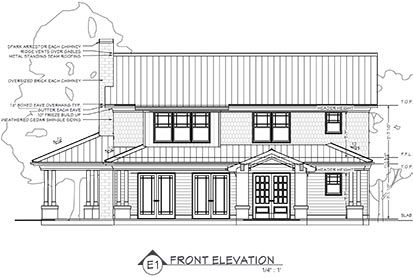
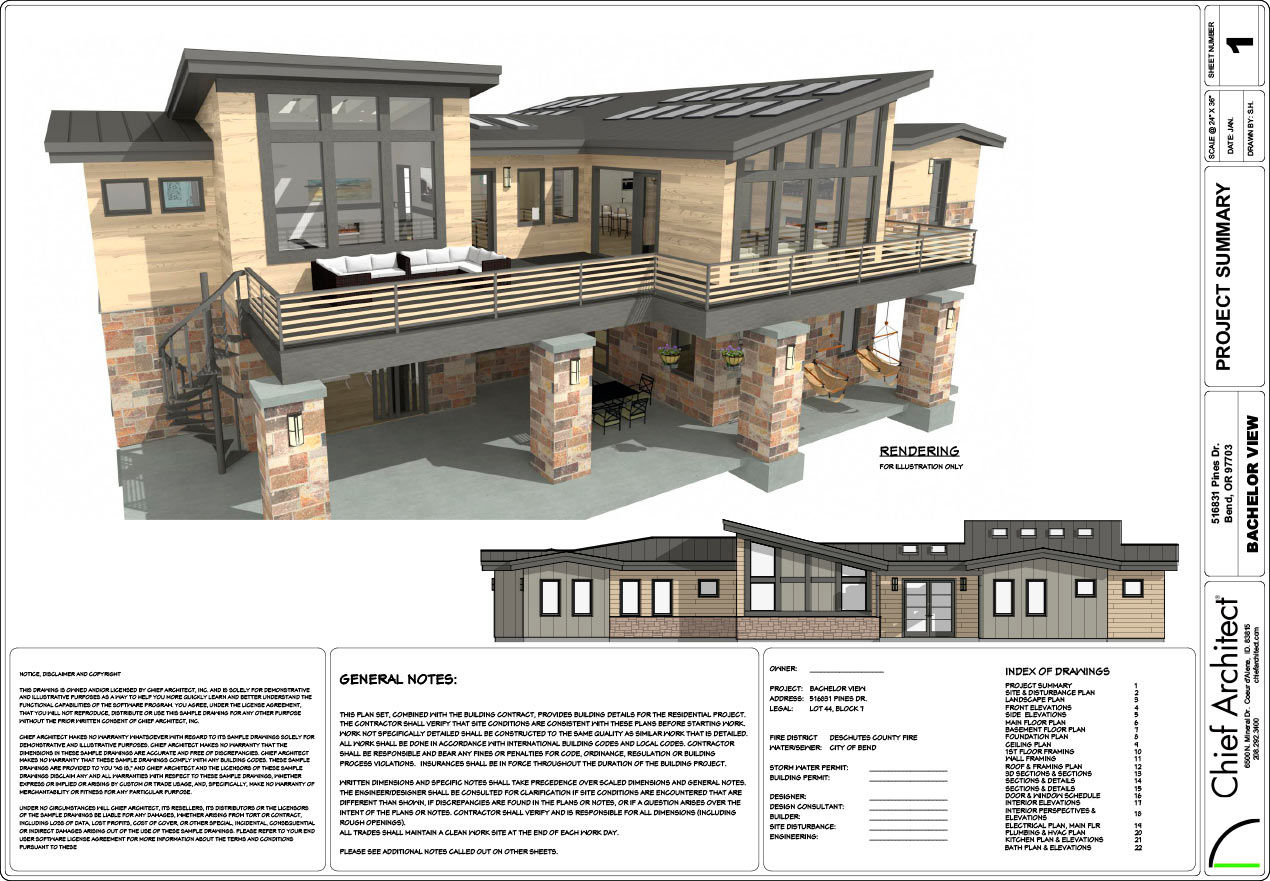
- Use the Layout tool to produce detailed professional Plan Sets with framing, elevations, cross-sections, 3D overviews and more
- Layouts are synchronized with your design – change the floor plan, it automatically updates in the Layout
- Use the Layer Sets to turn on and off layers to easily create the exact view for your Plan Sets
- Print anywhere – desktop, large format printers or use the built-in PDF print driver
- Easily create custom title blocks or use pre-defined templates for your Plan Sets
- Use the Plan Database to organize and maximize reuse of your plan portfolio