QUESTION
I would like to quickly create a curved, or barrel roof on my structure. How can I accomplish this?
ANSWER
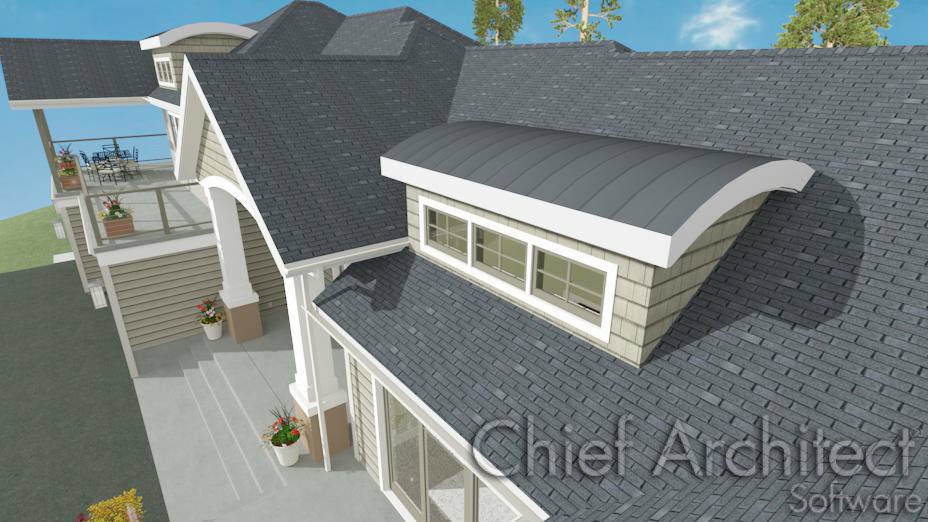
You can quickly create a custom curved roof for your structure by drawing and then editing a roof plane.
To create a barrel roof
-
Open
 the plan in which you would like to create a barrel roof or select File> New Plan
  from the menu.
In this example a simple 20' x 30' building is used.
- Select Build> Roof> Roof Plane
 from the menu, then draw a single roof plane over your structure.
- Click and drag along one of the exterior walls on which the roof will rest to create a roof baseline.
- Release the mouse and click anywhere in the middle of the room to set the ridge top of the roof plane.
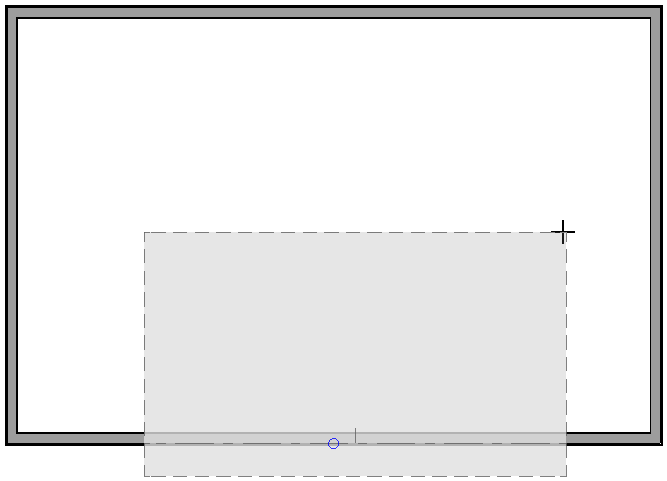
- The roof plane will display as a dashed rectangle.
- Using the Select Objects
 tool, click one time on the roof plane near one of its edges to select it and display its edit handles.
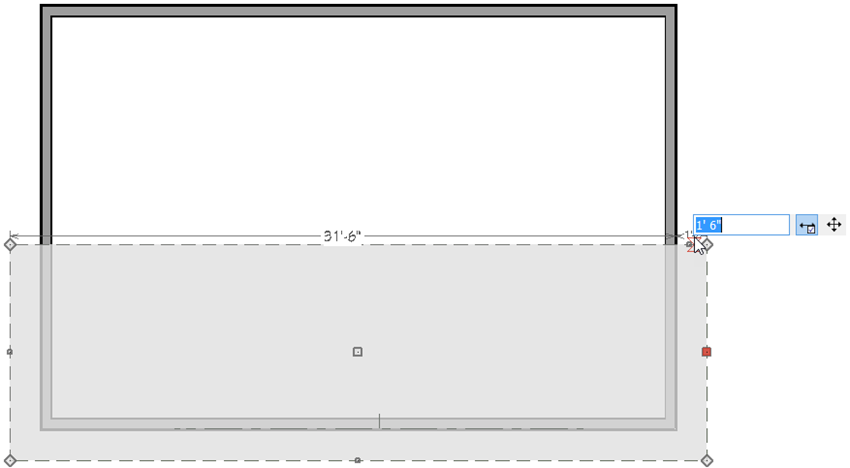
- Use the side edit handles to resize the plane so that it completely encompasses the area over which you would like the barrel roof. Dimensions can also be used to accurately locate roof overhangs.
- When the roof plane is appropriately sized, select it and click on the Open Object
 edit button.
- On the General panel of the Roof Plane Specification dialog that opens:
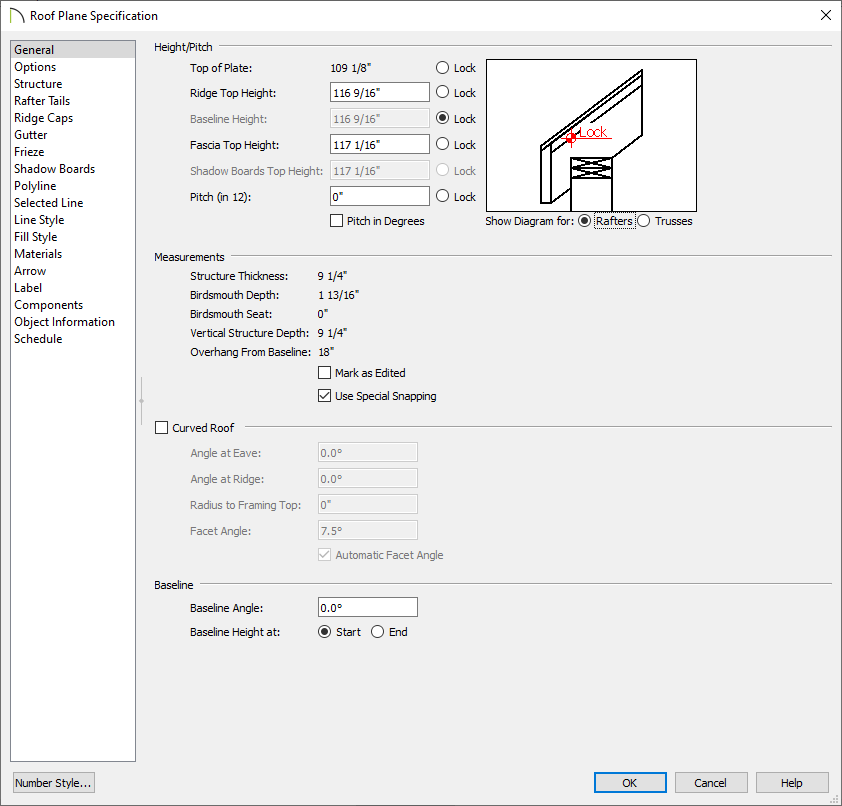
- Click the radio button beside Lock Baseline Height to lock this value.
- Specify the Lock Pitch as 0".
- The Ridge Top Height and Baseline Height should now be the same value.
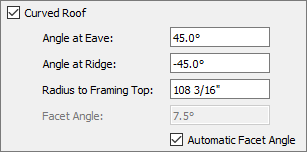
- Next, check the box beside Curved Roof.
In X14 and newer program versions, you don't have to change the values in the curved roof section in order to get a curved roof plane, but you are welcome to adjust them to fit your needs.
- Assign an Angle at Eave (in degrees) value between 0° and 89°. 0° would give you a flat ceiling and 89° degrees, a full 1/2 barrel. Notice that when you press the Tab key on your keyboard, the angle values update so that they are symmetrical.
- If you are not sure what Angle at Eave you should use, specify 45°. This is a good starting point, and you can make adjustments to this value at any time.
- When you are satisfied with the settings for your barrel roof, click OK to close the dialog and apply your changes.
- To see the results, select 3D> Create Perspective View> Perspective Full Overview
 from the menu.
