Create realistic images using Chief Architect's built-in Ray Trace engine; learn how to customize the lighting and materials to create the perfect scene.
1970
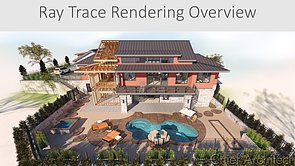
An overview of ray trace rendering including the key steps to create good renderings, how ray tracing works using the physically based rendering (PBR) camera.
1977
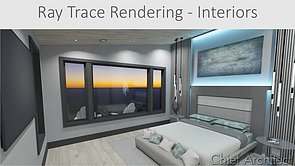
Interior ray trace rendering focuses specifically on interior scenes including the key steps and settings to create good ray trace renderings. The video goes through the process with a couple of interior rendering examples.
1978
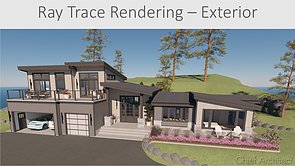
Exterior ray trace rendering focuses specifically on renderings for exterior scenes. The video goes through the key steps and render settings with a couple of exterior rendering examples.
1971
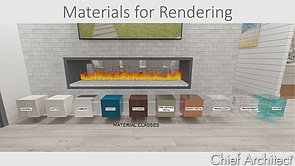
Material properties, settings and adjustments important for 3D rendering. This video includes adjusting materials using the adjust definition tool, importing materials, using the material builder tool, making materials emissive and camera settings.
1979
Backdrop basics, importing backdrops, panoramic and HDR backdrops, and using the generated sky model backdrop.
1972
Sun angles, setting the north pointer, latitude / longitude, point and spots lights, added lights (non-fixture lights), area lights and using light sets