Join us for training and other live events, in person or online. On-demand training is also available.

This session highlights a handful of advanced CAD tools to help you improve accuracy and efficiency when working with CAD, covering topics such as using Fence Select with Trim and Extend, as well as some techniques for creating arcs and advanced spline manipulation. This live webinar will be hosted by one of our staff professionals, who will answer your questions during the live Q&A.

All seminars are eligible for continuing education credits.


| Time | Presentation |
|---|---|
| 9:15 | Chief Architect Overview |
| 10:00 | Remodeling Software — As-builts, Tips & Techniques |
| 11:00 | Using 3D Software for Selling the Job |
| Noon | Chief Architect Overview |
| 1:00 | AI & Chief Architect |
| 1:30 | Creating Residential Construction Drawings |
| 2:00 | Kitchen & Bath Remodeling |
| 3:00 | Using Virtual Reality in the Design Process |
| 3:30 | Chief Architect Productivity Tips |
| 4:00 | Chief Architect Overview |
| Day 3 3:00–5:00 |
Chief Architect Bootcamp Seminar
New to Chief Architect? Learn the basics and how to be productive with the software |

On‑demand training features a series of videos that are based on the material covered in the respective classroom events. On‑demand training is a great way to learn without having to wait for a scheduled class to begin. View Course Descriptions.
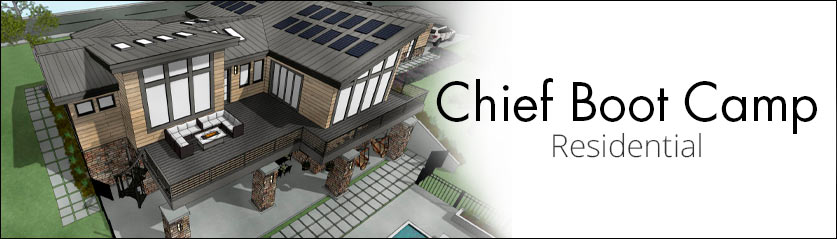
If you are evaluating the software or just getting started using Chief Architect, Residential Boot Camp is a great way to learn the basics of how the software works—and best of all, it's free. In this session, we will cover the following topics:
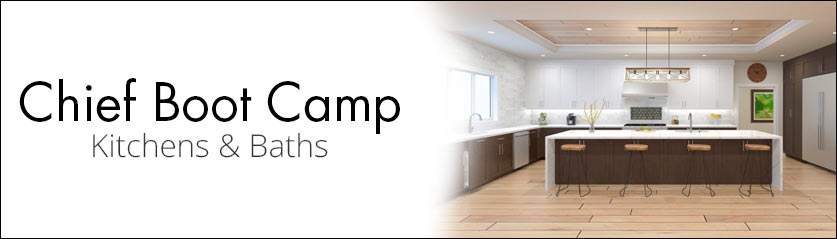
If you are a kitchen or bath designer who is evaluating or just getting started with Chief Architect, this boot camp is a great way to learn the basics of the software for interior projects. This free session covers the following topics:

Save 10% through Aug. 2, 2027