The Project Browser is a side window that allows you to find any saved cameras, saved plan views, CAD details, or layout pages.
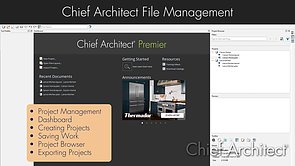
File Management Overview
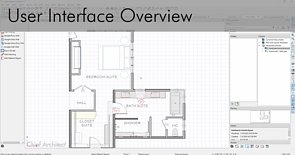
User Interface Overview
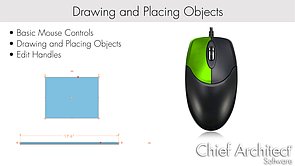
Drawing and Placing Objects
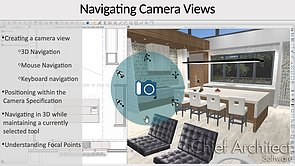
Navigating Camera Views
Understanding Layers
Understanding Layer Sets
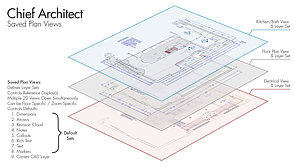
Saved Plan Views
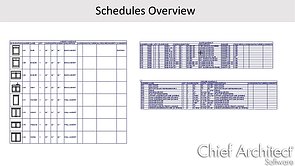
Schedules Overview
Default Settings Summary
Setting Preferences
Library Browser Overview
Utilizing the Project Browser
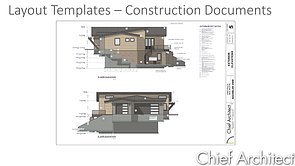
Creating Layouts and Construction Documents
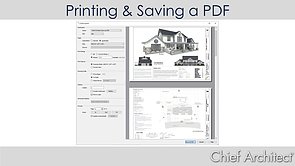
Printing & Saving a PDF
Library & Project Browsers
268 - Library Browser Overview
39 - Finding and Placing Library Objects
2423 - Utilizing the Project Browser
1598 - Using the Library Painter
2421 - Saved Plan Views
2433 - Developing Saved Plan Views
53 - Plant Chooser
1922 - Adding Insertion Points to CAD Blocks