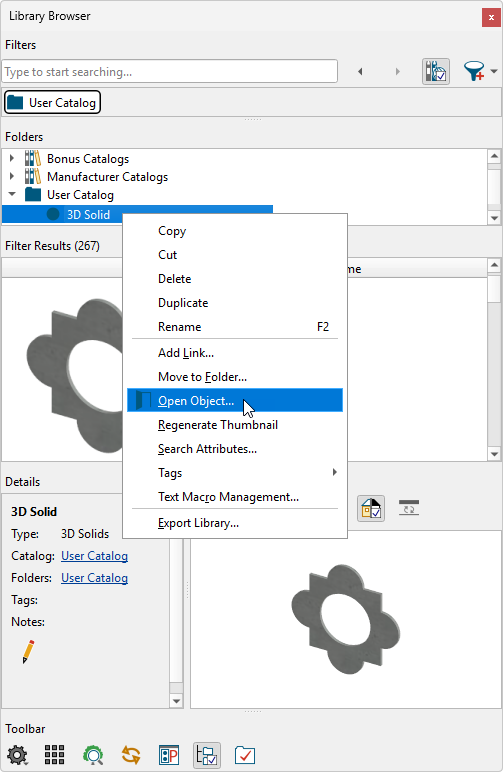
I have created a custom shaped 3D Solid and would like to add it to the library browser so that I can use it in future plans. How can I accomplish this task?
A 3D Solid can easily be added to the User Catalog by using the Add to Library edit tool.
 tool, click on the 3D Solid that you want to add to the User Catalog.
 edit tool.
 from the contextual menu.
Note: On a Mac, hold down the Control key while clicking to initiate a right-click command. More information about right-click commands on Apple input devices can be found in the following Apple resource: Right-click on Mac.