

 By
By A great home design is only part of winning a project. How you present that design to a prospective client can be just as important. Floor plans and construction drawings provide essential information, but many homeowners have difficulty visualizing how a finished space will look and feel from 2D drawings alone.
Using 3D home design software like Chief Architect Premier can transform a presentation from a review of plans into an interactive experience. With realistic 3D views, virtual walkthroughs, and detailed floor plans and layouts, you can help clients understand your vision, allow them to participate in the design process, and feel confident moving forward.
3 Pillars for Selling Success
An effective 3D presentation isn’t simply about creating impressive visuals. It can also help address three important parts of the sales process: building trust, overcoming objections, and creating an emotional connection.
1. Build Trust
When clients see that you have mapped out the structural and aesthetic details of their project, and they can experience and interact with the design, their confidence in your ability to execute the project can grow. Rather than asking clients to interpret technical drawings on their own, 3D visualization gives them a clear picture of what you’re proposing and demonstrates the thought and planning behind the design.
2. Overcome Objections
Client questions and concerns are a natural part of the sales process. Hearing feedback and making changes in real time can help address objections before they become barriers to moving forward. Removing a wall, moving a door, or changing a material can be done during the presentation, allowing the client to immediately see how the change affects the design. A concern that is difficult to resolve verbally may become much easier to address when the client can see the solution.
3. Create an Emotional Connection
An effective 3D presentation can act like a “free trial” of the home. Instead of looking at plans, clients can begin imagining themselves living in the space. They can see the view from the kitchen, experience the transition from one room to another, visualize their furniture, and see how their favorite finishes work together. Creating that emotional connection can help transform an abstract design concept into a home that feels real.
Building a Successful 3D Presentation
A successful presentation should tell a story. Start by establishing the big picture, move into the areas that matter most to the client, invite them into the design process, and finish with a clear next step.
1. Start with the Overview
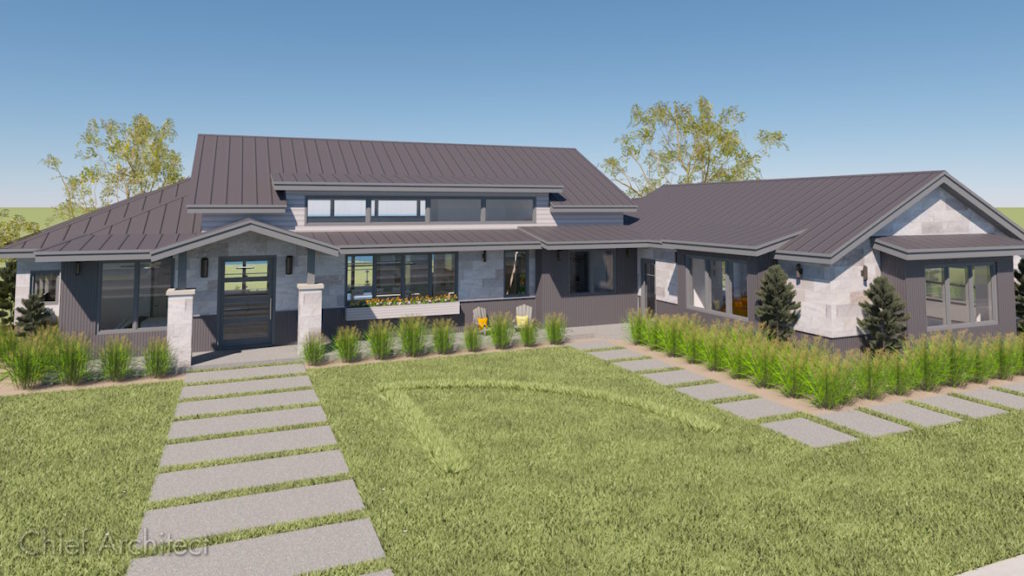
Begin with the big picture to set the stage for the presentation. For a full residential build, this might include the site plan and an overall 3D view of the home’s exterior. For a remodeling project, the overview might demonstrate how the remodeled space connects with the surrounding home.
Start with a 2D plan view to help the client understand the overall layout, room relationships, and flow. With Chief Architect, Space Planning tools can also be used to explore and communicate room arrangements and relationships early in the design process. Once the client understands the plan, transition into a 3D overview. Chief Architect automatically generates a 3D model as you draw, allowing you to present perspectives and help clients understand the home’s overall scale, proportions, and materials. They can see how rooms relate to one another without relying solely on a traditional 2D drawing. An exterior video walkthrough gives clients a more immersive look at the project and establishes the overall vision before moving into individual spaces.
2. Showcase the Hero Space
Once you’ve established the overall design, take the client directly to the space they care about most. The “hero space” is often the kitchen or primary suite, but it should be based on the client’s priorities. For example, on a waterfront property, the hero space might be a living room designed around a luxurious view.
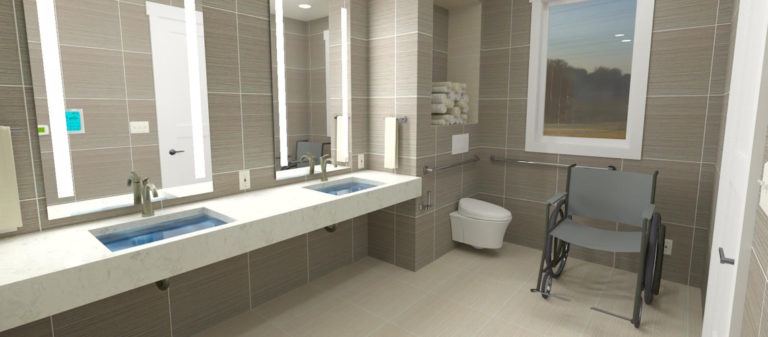
Use an interior 3D camera to put the client inside the space and select a rendering technique that complements both the design and the client. Chief Architect offers a variety of rendering techniques that can be used to communicate different styles and levels of detail. This is also an opportunity to show materials and finishes. Flooring, cabinetry, countertops, paint colors, lighting, siding, and other selections can be incorporated into the model so clients can compare options before construction begins.
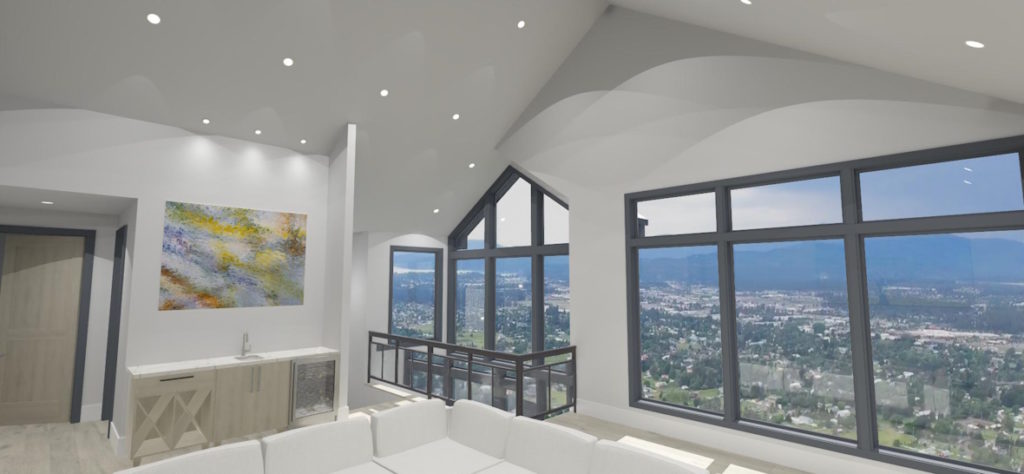
Chief Architect’s extensive 3D Library provides thousands of objects, materials, fixtures, furnishings, and accessories that can be incorporated into a design. Manufacturer catalogs featuring products from real-world brands can also help clients visualize specific cabinetry, appliances, fixtures, furnishings, and materials.
Make It Personal
Small personal details can make a presentation much more meaningful. Consider taking photographs at the building site and using them as backdrops so clients can see the real-world views that will appear outside their future windows. If they have artwork or furniture they plan to feature in the home, incorporate similar pieces into the model so they can see how those items work within the space. You can even add a client’s pet to a 3D view to make the presentation fun.
These details help the client move beyond viewing a generic 3D model and begin imagining the design as their home. Finish the hero-space portion of the presentation with a targeted virtual walkthrough. Rather than showing every corner of the project, focus the walkthrough on the areas that are most important to the client.
Continue the Experience with 3D Viewer
This keeps clients engaged with the design even after the presentation ends by sharing the model through Chief Architect’s 3D Viewer. This tool allows clients to virtually explore their future home from a smartphone, tablet, or web browser, giving them the opportunity to revisit spaces and experience the design on their own time. They can also share the model with friends and family, extending the excitement beyond the presentation and helping keep the project top of mind as they move toward their final decision.
3. Turn the Presentation into a Collaborative Experience
Don’t make the client a passive spectator. Invite them into the design process. Ask for their opinion on materials, colors, cabinetry, architectural features, and other design elements. Provide context around your recommendations to encourage conversation and help clients understand the reasoning behind different choices.
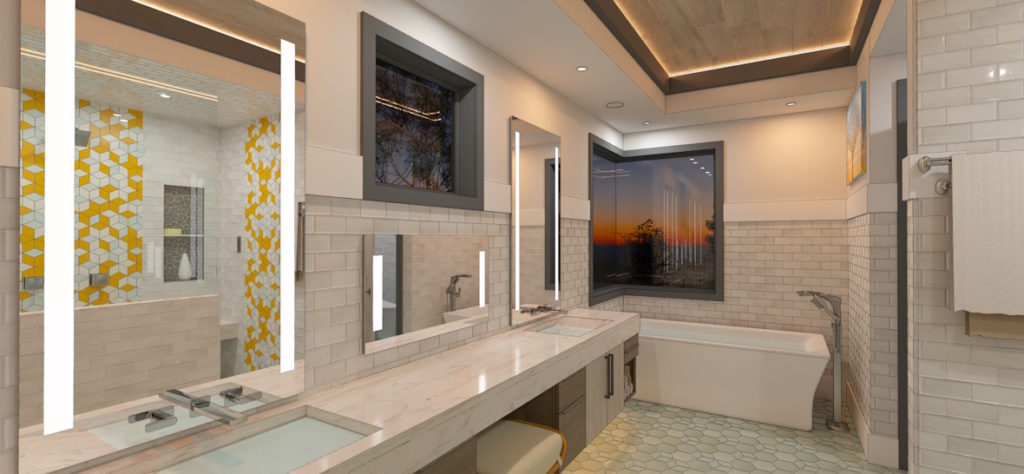
When a client requests a change, make the adjustment visually when possible. Moving a wall, changing cabinetry, adjusting a window, or testing a different finish in real time allows the client to immediately see the impact of their decision. Something as simple as changing a paint color can help clients begin to feel ownership of the space. Collaborative editing also gives you an opportunity to address questions and concerns as they arise rather than allowing uncertainty to linger after the presentation.
4. Finish with a Clear Call to Action
A successful sales presentation should have a clear next step. Once you’ve walked the client through the design, answered questions, addressed objections, and incorporated their feedback, be prepared to transition from the visual presentation to securing the project.
Have your retainer contract ready and clearly explain what happens next. If appropriate for your business, discuss the production schedule and the steps required to reserve a spot. Making this transition seamless helps maintain the momentum you’ve created throughout the presentation. Rather than ending with an open-ended “let us know what you think,” give the client a clear path for moving forward.
Elevate Your Presentations and Close More Deals
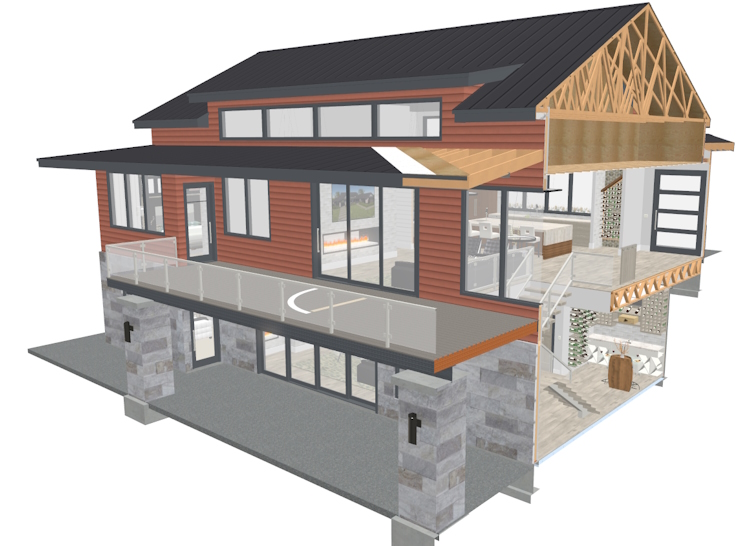
A great presentation can transform your client from a passive spectator into an active collaborator. By moving beyond flat 2D drawings and embracing immersive 3D software like Chief Architect Premier, you do more than showcase a layout. You can build trust, address doubts, and create an emotional connection between your client and their future home.
Implementing these presentation principles can help ensure your clients don’t just understand your vision but truly experience it. When a client can look out their future window, see personal touches within the space, and make real-time design choices by your side, the project becomes easier to understand and personal. Don’t let great designs get lost in translation. An effective presentation strategy can give clients the clarity and confidence they need to take the next step.





1 comment